Let’s start with showing what I see in my terminal:
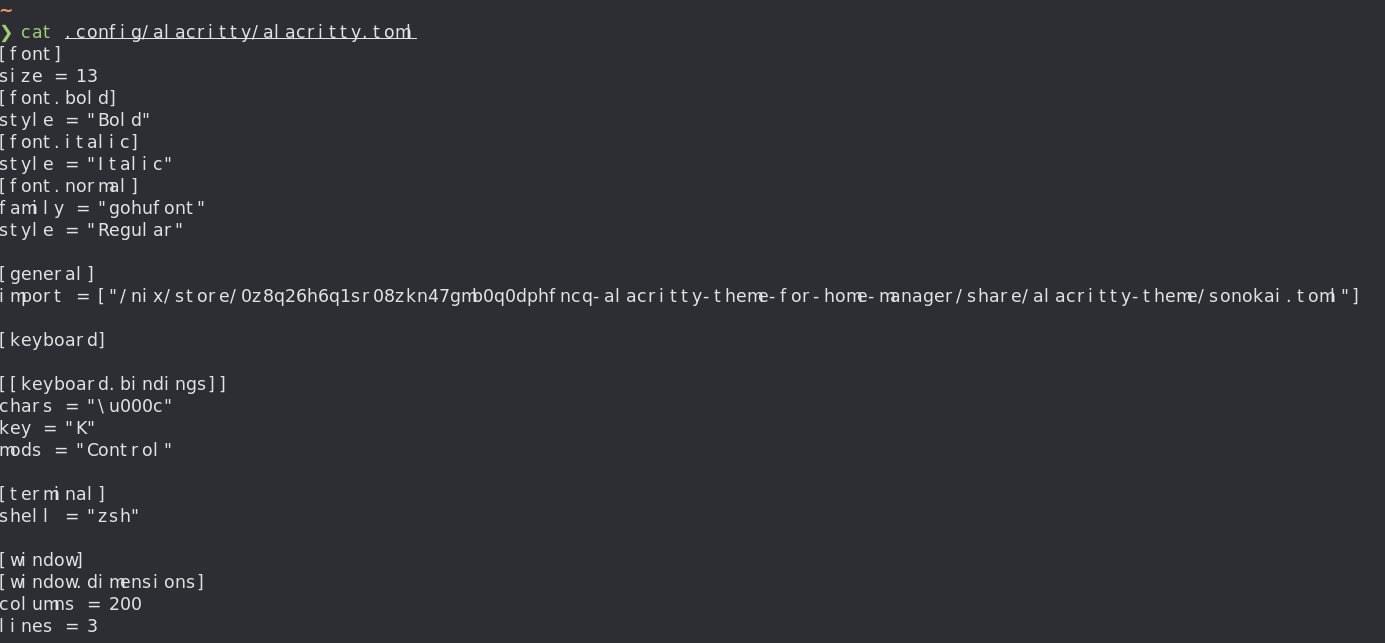
What’s in the picture is my alacritty.toml generated via Home Manager, I’ll share the code here again for reference:
[font]
size = 13
[font.bold]
style = "Bold"
[font.italic]
style = "Italic"
[font.normal]
family = "gohufont"
style = "Regular"

[general]
import = ["/nix/store/0z8q26h6q1sr08zkn47gmb0q0dphfncq-alacritty-theme-for-home-manager/share/alacritty-theme/sonokai.toml"]

[keyboard]

[[keyboard.bindings]]
chars = "\u000c"
key = "K"
mods = "Control"

[terminal]
shell = "zsh"

[window]
[window.dimensions]
columns = 200
lines = 3
This file is generated via the config in home.nix, where I install Nerd Fonts like so:
 home.packages = with pkgs; [
      nerd-fonts._0xproto
      nerd-fonts.droid-sans-mono
      nerd-fonts._3270
      nerd-fonts.gohufont
      nerd-fonts.hurmit
      nerd-fonts.shure-tech-mono
    ];
And then I enable Alacritty with settings this way:
    programs.alacritty = {
      enable = true;
      settings = {
        window.dimensions = {
          lines = 3;
          columns = 200;
        };
        keyboard.bindings = [
          {
            key = "K";
            mods = "Control";
            chars = "\\u000c";
          }
        ];
        terminal = {
          shell = "zsh";
        };
        font = {
          normal = {
            family = "gohufont";
            style = "Regular";
         };
          bold = {
            style = "Bold";
          };
          italic = {
            style = "Italic";
          };
          size = 13;
        };

      };
      theme = "sonokai";
    };
I tried different Nerd Fonts just in case but none of them worked.
Any clue about what might be going wrong?
