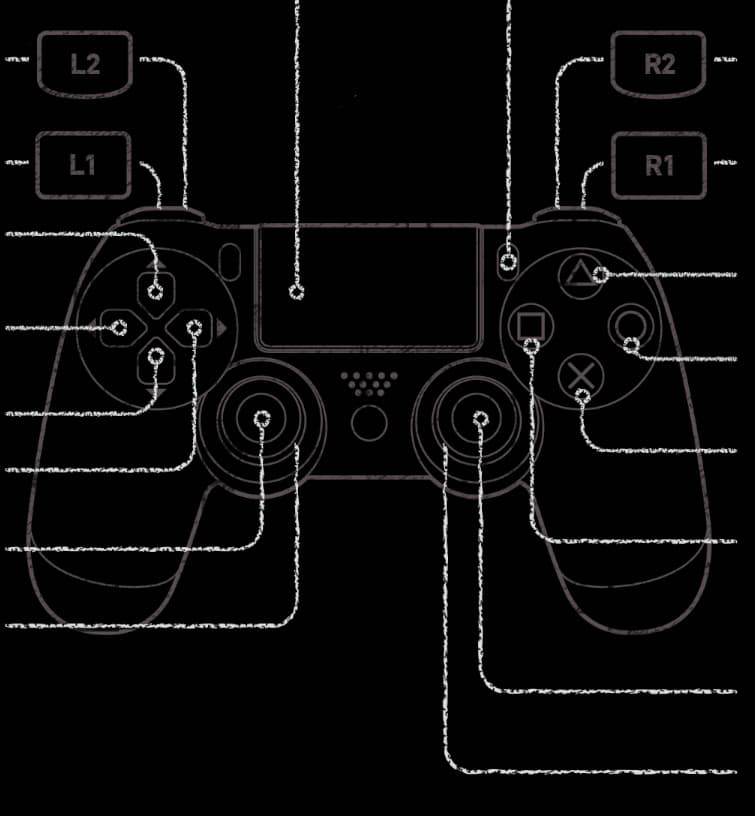
Bluetooth game controller connected, no input/detection

I’ve got a PS5 (dualsense) controller that I’ve successfully connected (and trusted) via bluetooth. Here’s the info from blueoothctl followed by info <device-id>:

Device 48:18:8D:68:A6:61 (public)
	Name: Wireless Controller
	Alias: ps5-con
	Class: 0x00002508 (9480)
	Icon: input-gaming
	Paired: yes
	Bonded: no
	Trusted: yes
	Blocked: no
	Connected: yes
	WakeAllowed: no
	LegacyPairing: no
	UUID: Human Interface Device... (00001124-0000-1000-8000-00805f9b34fb)
	UUID: PnP Information           (00001200-0000-1000-8000-00805f9b34fb)
	Modalias: usb:v054Cp0CE6d0100

But in steam and retroarch, the controller does not appear nor does it give any input. I have confirmed that it works if plugged in via usb. For log files, this is all I could find with journalctl:

Aug 20 21:22:59 nix-tower bluetoothd[842]: profiles/input/device.c:hidp_add_connection() Rejected connection from !bonded device /org/bluez/hci0/dev_48_18_8D_68_A6_61
Aug 20 21:26:18 nix-tower sudo[189398]:    thain : TTY=pts/1 ; PWD=/home/thain ; USER=root ; COMMAND=/run/current-system/sw/bin/bluetoothctl

and finally, with dmesg, this appears when it connects:

[215840.062400] Bluetooth: hci0: No such BR/EDR device 48:18:8d:68:a6:61 (0x0)

I’ve tried rebooting the system, unpairing/repairing the controller, restarting steam/retroarch, but nothing works. Lastly, I do have relevant udev rules in my config:

services.udev.extraRules = ''
# PS5 DualSense controller over USB hidraw
KERNEL=="hidraw*", KERNELS=="*054C:0CE6*", MODE="0660", TAG+="uaccess"
KERNEL=="hidraw*", ATTRS{idVendor}=="054c", ATTRS{idProduct}=="0ce6", MODE="0660", TAG+="uaccess"
# Steam Controller udev write access
KERNEL=="uinput", SUBSYSTEM=="misc", TAG+="uaccess", OPTIONS+="static_node=uinput"
'';
hardware.uinput.enable = true;

hardware.bluetooth = {
  enable = true;
  powerOnBoot = true;
  settings = {
    General = {
      Enable = "Source,Sink,Media,Socket";
      Experimental = true;
      AutoEnable = true;
      ControllerMode = "bredr";
    };
  };
};

Any ideas how I can get this working on bluetooth, please?

Hello!

Did you find a way to solve the problem?
This discourse comes up first in search results, so I came across it.
Today I bought a gamepad and tried to use it.
Via cable, everything works out of the box, even including the touchpad in Hyprland.
It also connected via Bluetooth on the first try, but the same problem persists. The Steam client doesn’t even detect the gamepad when it’s connected via Bluetooth.

I thought maybe I needed to add udev rules or perhaps some kernel modules, and I came across this issue:

They recommended connecting the controller directly via bluetoothctl, not through Blueman.
This is strange because essentially they do the same thing, but I decided to give it a try.
I removed the pairing, trust, and the DualSense from the list in Blueman.
Then I added it via bluetoothctl:
scan on
connect
trust
pair
The controller connected successfully.
Then I opened Steam, but it still didn’t detect the controller.
So, I rebooted the PC, and after the reboot,
I turned on the controller, and it connected automatically.
I checked:
sudo dmesg | grep 'BLUETOOTH HID'
It should show:
input,hidraw8: BLUETOOTH HID v1.00 Gamepad [DualSense Wireless Controller]
hidraw8: BLUETOOTH HID v1.00 Gamepad [DualSense Wireless Controller]

After that, I opened Steam and everything works perfectly.
Tested it in Shadow of the Tomb Raider.

Screenshot 1: Gamepad working via Bluetooth in Steam

Screenshot 2: Gamepad settings in game options

DualSence gamepad info:

dualsensectl info
Hardware: 811
Build date: Oct 21 2024 17:02:21
Firmware: 10f000a (type 2)
Fw version: 196609 200719 6
Sw series: 11
Update version: 0558

NixOS info:

nix-shell -p nix-info --run "nix-info -m"
this path will be fetched (0.02 MiB download, 0.06 MiB unpacked):
  /nix/store/nbrif411qgsj1h5r7rlgxxm140aj58dz-stdenv-linux
copying path '/nix/store/nbrif411qgsj1h5r7rlgxxm140aj58dz-stdenv-linux' from 'https://cache.nixos.org'...
 - system: `"x86_64-linux"`
 - host os: `Linux 6.12.41, NixOS, 25.11 (Xantusia), 25.11.20250809.85dbfc7`
 - multi-user?: `yes`
 - sandbox: `yes`
 - version: `nix-env (Nix) 2.28.4`
 - nixpkgs: `/nix/store/c39q7pww80997lz0fyqxpvsr29q6f7ld-source`