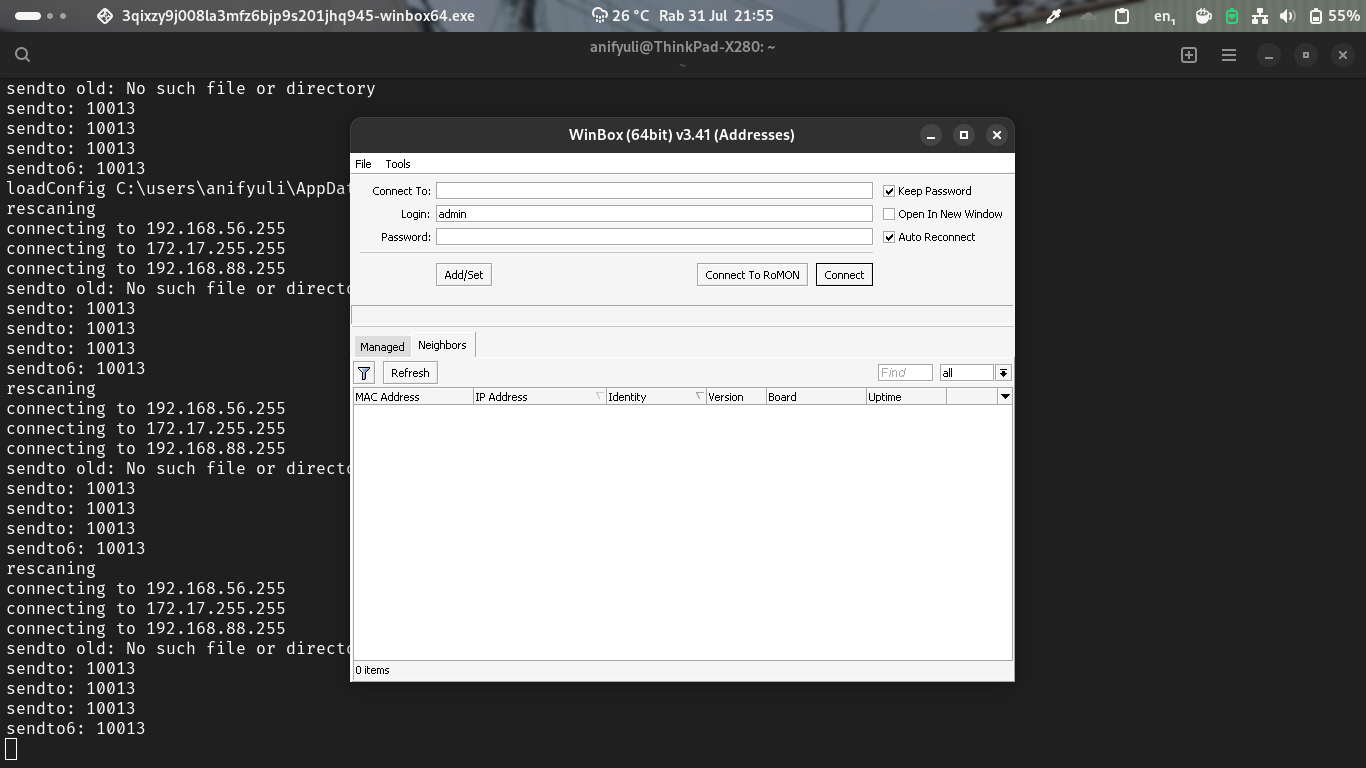
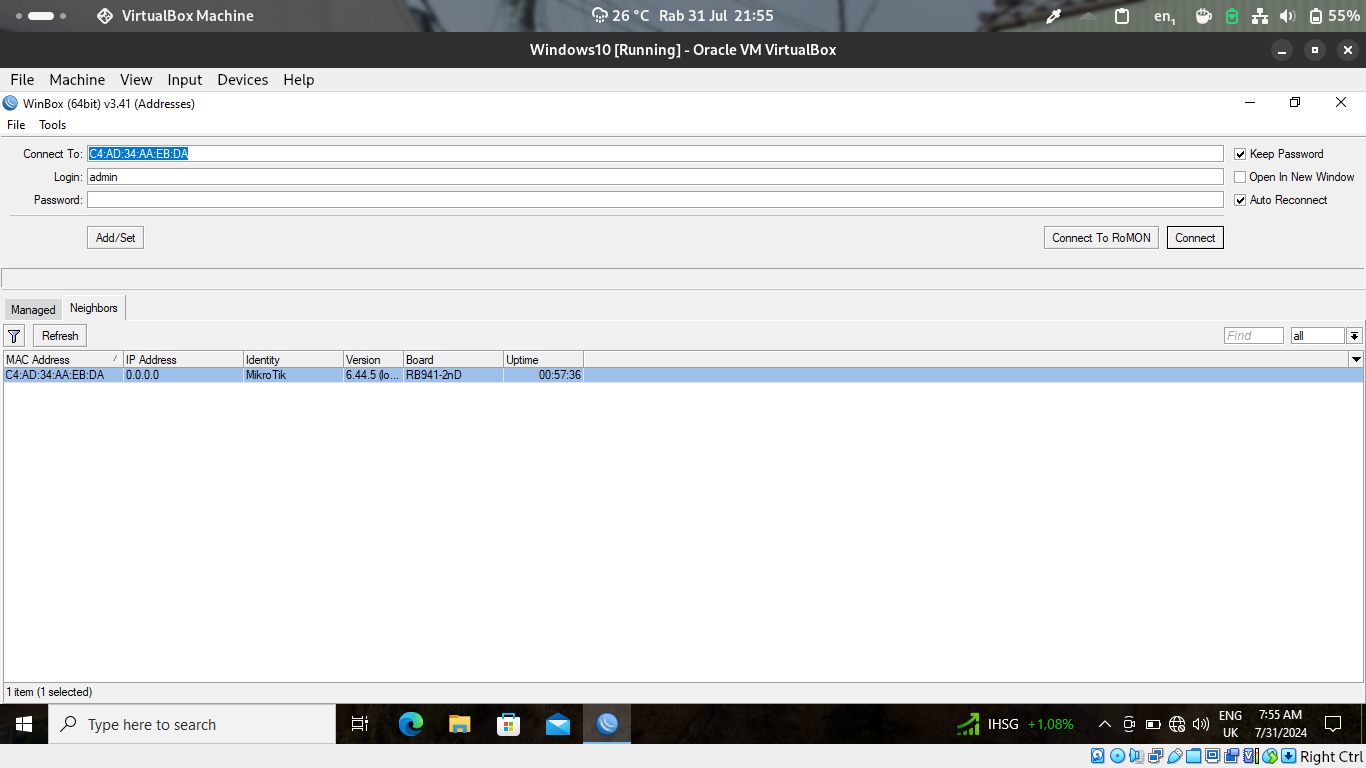
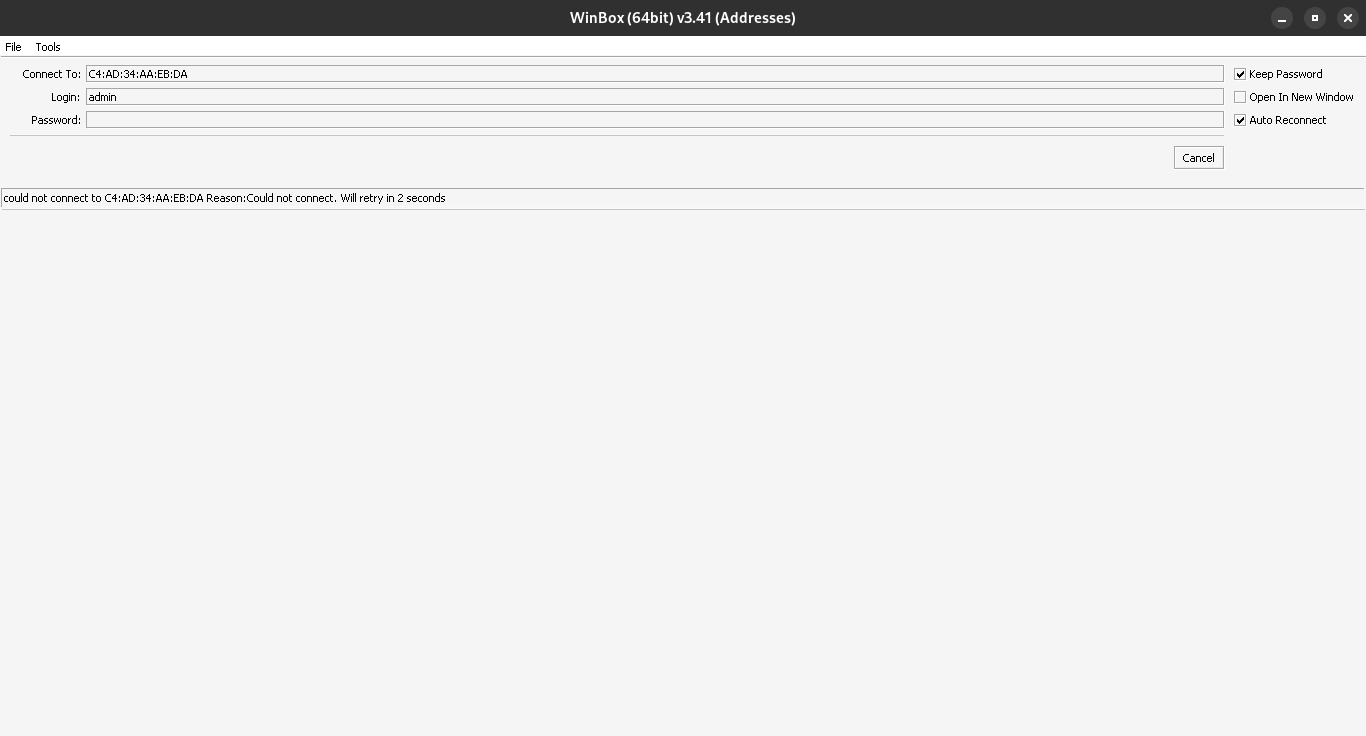
But I always failed to detect and connect it. But in other side, I can detect and connect it from Windows 10 on VirtualBox VM. I still confused what this be happen. I open Winbox and try to check used port with sudo netstat -tulpn and Winbox not appeared in there. How to fix it? I tried it two weeks ago (I guess) I can connect my routerOS on VM. I create issue Nixpkgs GitHub repo too. I ask on r/NixOS subreddit but my post no anyone answer it too
You can see in my screenshot.
The implementation for this package is trivial. It merely adds some package to your system environment (not a service, to be clear) and optionally opens a port in the firewall.
I am not familiar with this program so I read its description here and am confused as to what you expect to connect to what exactly.
WinBox uses multicast to find other Mikrotik devices on the network. This is blocked by the NixOS default Firewall rules. You should be able to connect directly to other Mikrotik devices using their IP address.
If you want to enable the neighbor scanning you will have to open up the ports necessary in the firewall or disable the firewall.
Now you’re trying to connect using the MAC address. Can you see the neighbor devices? A reboot may be necessary to fully unload the firewall. You’ll have to do a ‘nixos-rebuild boot’ and then reboot and have a clean ‘no firewall’ system.
Can you connect to your devices via IP? That should be working. I’m running Winbox on my workstation. The only difference I can see is that I installed the Wine packages and not the nix package for winbox.
I have not tried to do the low level MAC connection from Winbox running via Wine from any Linux system. Not sure if that will even work via Wine or not.
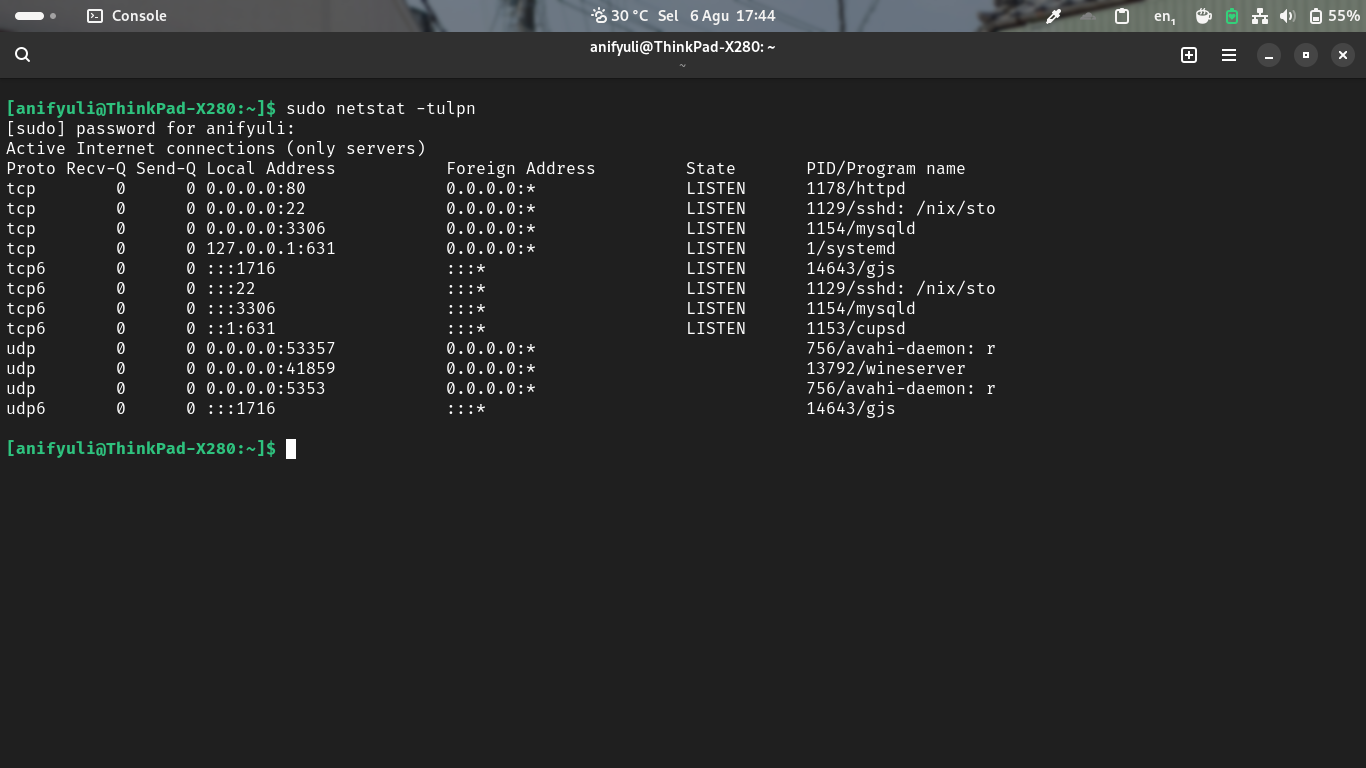
I add UDP port range from 40k to 50k because wine-server run this ports, and Winbox need it for connecting to Mikrotik router. I get this problem roots after disable firewall and check listened port (in this condition Winbox successfully connected to router) and I get this :
Because its dynamic port (not static port), so I decide to define port range from 40k to 50k. Thanks for help me and sorry I late to solve this problem.
I just want to add (I know this an old topic) that as of 2025-08-14 it is no longer rquired to open the port range manually. Setting the following is enough: