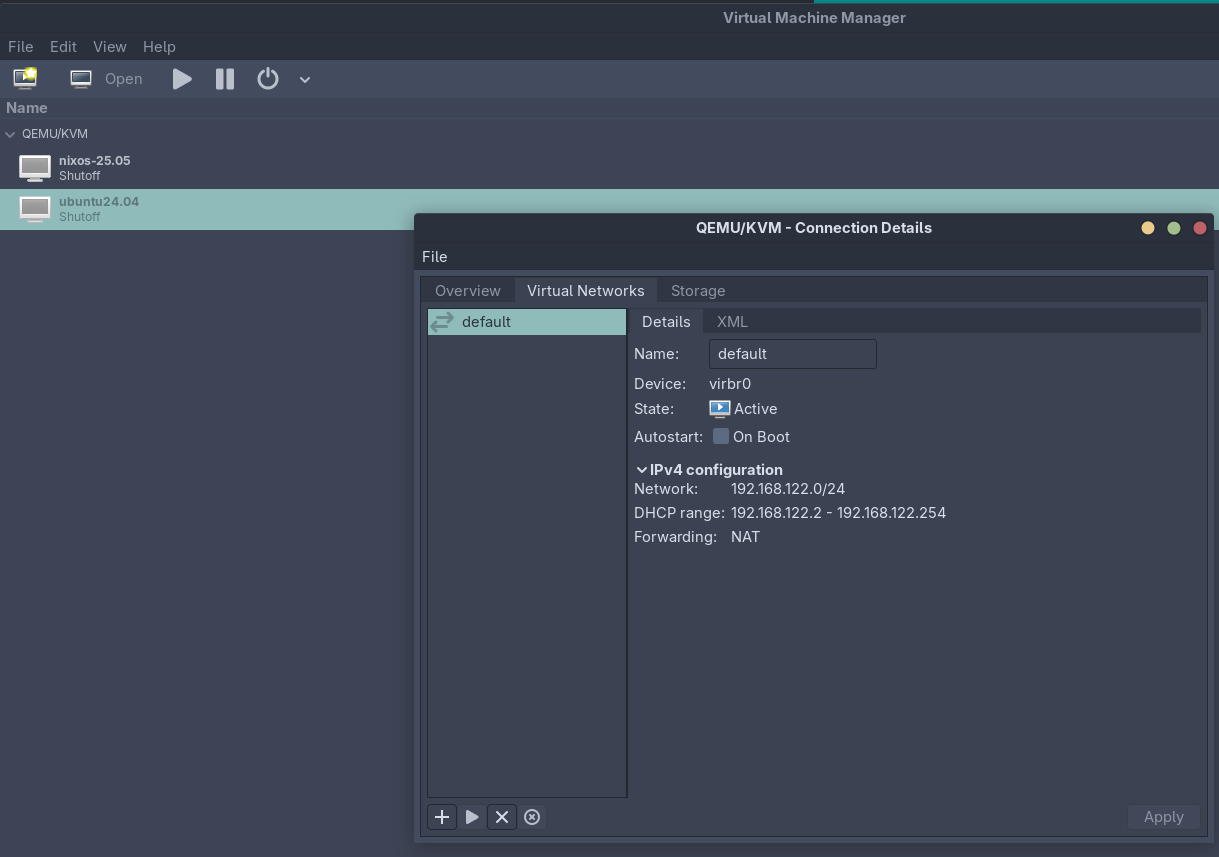
I have set up a VM using virt-manager (QEMU/KVM). It was starting up fine the first time I ran it.
Then I rebooted and now I can’t start it again:
Error starting domain: Requested operation is not valid: network 'default' is not active

Traceback (most recent call last):
  File "/nix/store/hrw1bxzzvfmrz6hycnb2vgacnha57ijk-virt-manager-4.1.0/share/virt-manager/virtManager/asyncjob.py", line 72, in cb_wrapper
    callback(asyncjob, *args, **kwargs)
  File "/nix/store/hrw1bxzzvfmrz6hycnb2vgacnha57ijk-virt-manager-4.1.0/share/virt-manager/virtManager/asyncjob.py", line 108, in tmpcb
    callback(*args, **kwargs)
  File "/nix/store/hrw1bxzzvfmrz6hycnb2vgacnha57ijk-virt-manager-4.1.0/share/virt-manager/virtManager/object/libvirtobject.py", line 57, in newfn
    ret = fn(self, *args, **kwargs)
          ^^^^^^^^^^^^^^^^^^^^^^^^^
  File "/nix/store/hrw1bxzzvfmrz6hycnb2vgacnha57ijk-virt-manager-4.1.0/share/virt-manager/virtManager/object/domain.py", line 1402, in startup
    self._backend.create()
  File "/nix/store/0fvgbg1nd4w6yd1983vipzfkf8q7zbpy-python3.11-libvirt-9.9.0/lib/python3.11/site-packages/libvirt.py", line 1373, in create
    raise libvirtError('virDomainCreate() failed')
libvirt.libvirtError: Requested operation is not valid: network 'default' is not active
I tried these commands:
$ virsh net-list --all
 Name   State   Autostart   Persistent
----------------------------------------

$ virsh net-start default
error: failed to get network 'default'
error: Network not found: no network with matching name 'default'
I can’t figure out what is the problem here…