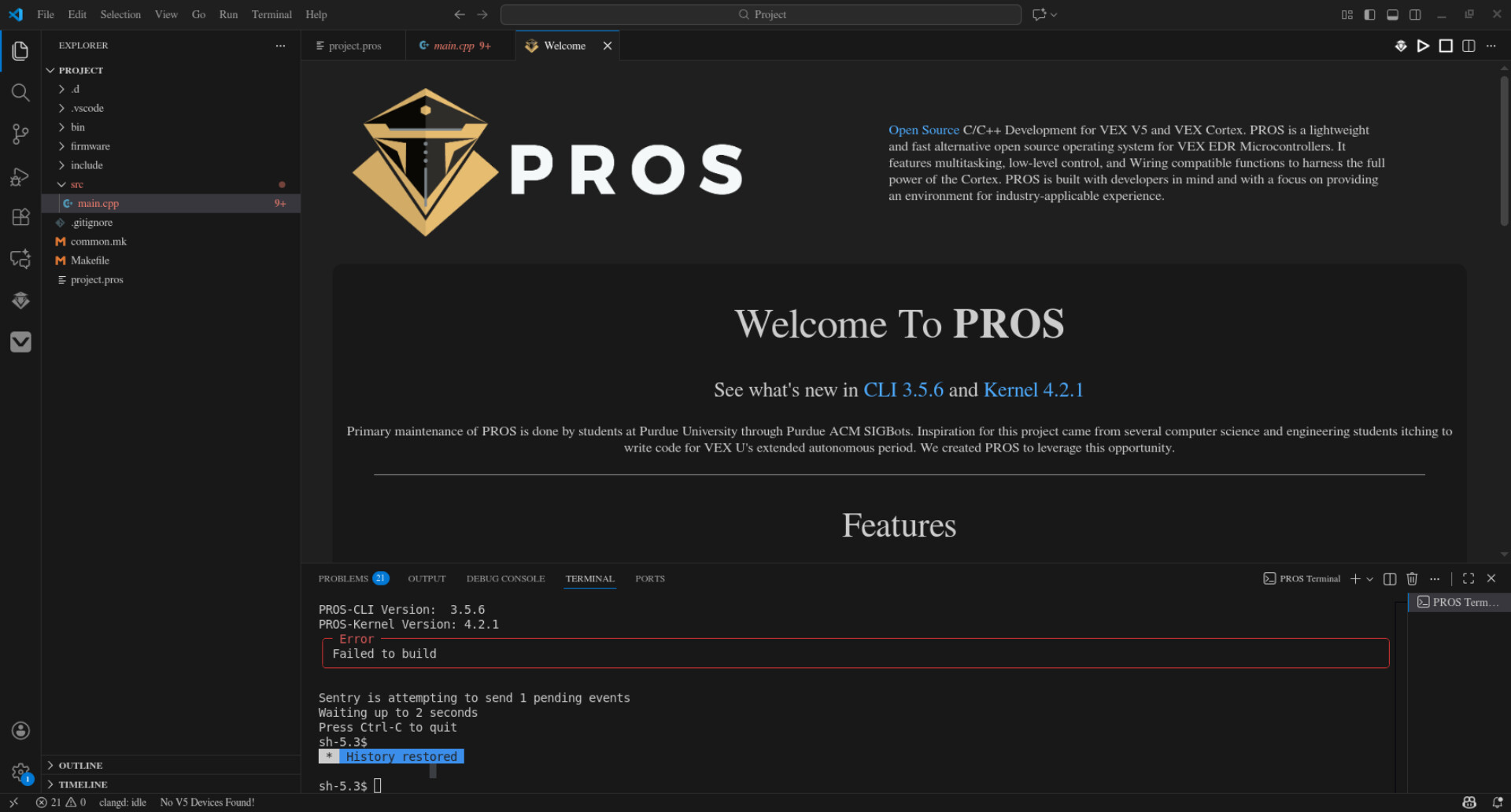
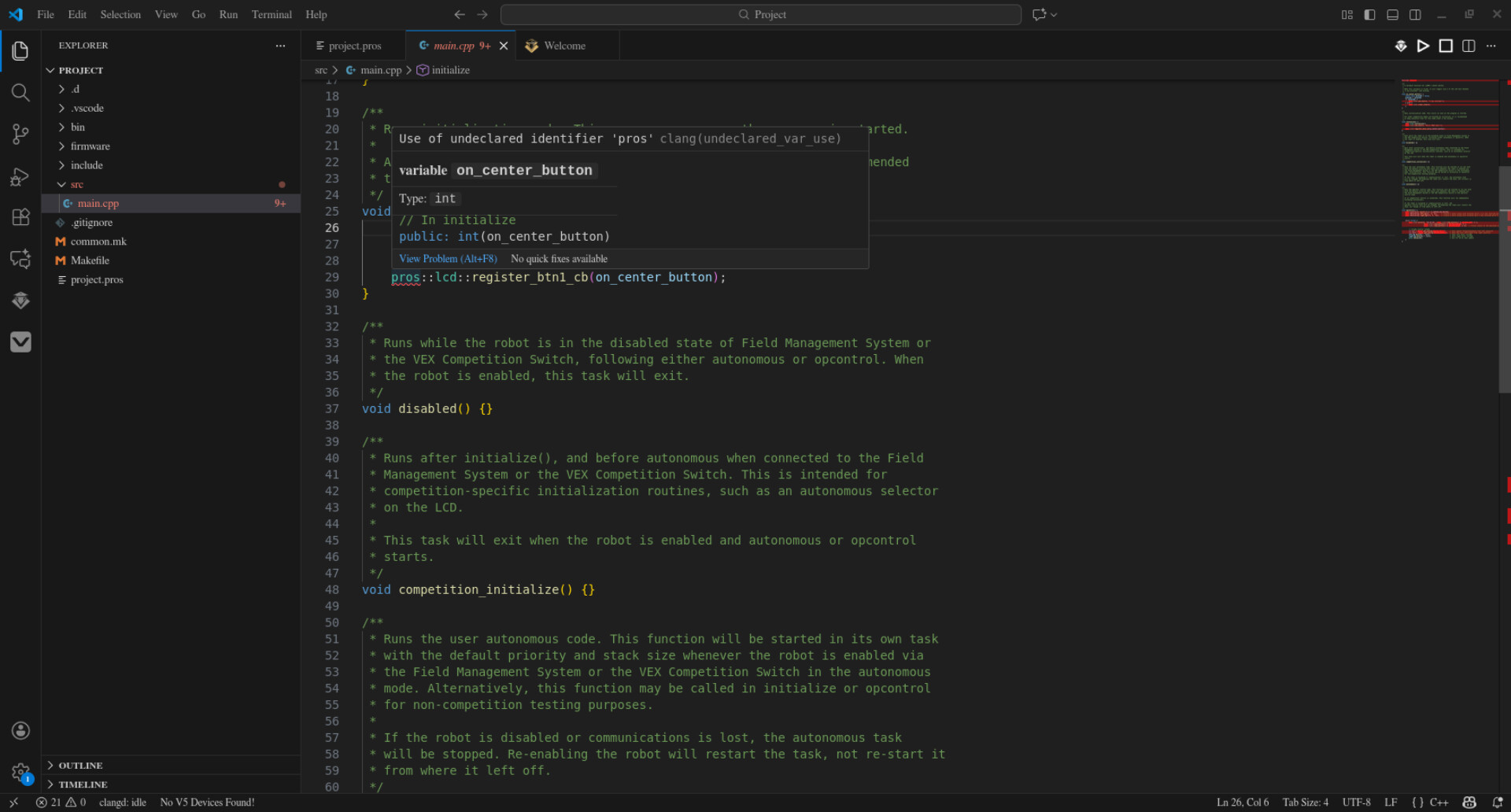
Hello. I am trying to program for my Robotics team on my laptop, and we use Visual Studio Code with the ‘PROS’ Library for C++ (which has everything we program with). Whenever I look main.cpp, all of the functions & otherwise given to me by the library are said to be undeclared. I am sure this means it is not working somehow.
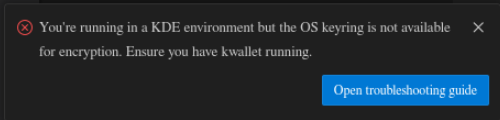
As far as I understand, this is telling me that I need a keyring that doesn’t exist on my device. I am not sure if getting this keyring will solve the problem since it seems (sort of) separate. I do not know what kwallet is.
I do not think it is possible to use a different IDE with the same number of functionalities as I can on VSCode, but if it is and know happen to know please do tell (You don’t have to research this bit to help, just incidental information).
I am unsure of the compatibility of VSCode for NixOS, but if it is so little that this is impossible please let that be the first sentence of your response to me. Thank you for you help.
Have you set-up a devshell correctly and can you build your project from within that? If yes, have you tried to enter your shell and then open VScode from within this shell, does it then find the libraries necessary?
A temporary environment created using either nix-shell or nix develop.
It can either be ad-hoc (nix-shell -A gh for a shell that you can use to build the gh binary; nix-shell -p rustc for a shell that provides the rust compiler; nix develop nixpkgs#nix for a shell to contribute to nix itself; etc) or declarative through a shell.nix, default.nix or a flake output.
The declarative approach is usually using the mkShell builder, but can generally use any other as well.
Developing on NixOS without those shells (which I prefer to be project specific) is possible, though a very big pain, as it works against the isolation principles behind nix. Also, if you are carelessly setting variables like LD_LIBRARY_PATH (which would be necessary for not using shells) you might break tools you use, as that variable changes how libraries get discovered.
You can find a description of the mkShell helper in the manual:
You enter code in your shell and hit enter.after entering the devshell
No clue, I used keepassxc with vscode and it worked fine
I don’t know what this “PROs library” is, but if it’s not in nixpkgs, you’ll have to write a drv (“package”) you can use. Maybe even contribute it to nixpkgs.