This is very cool! Well done, especially since you’re new to the ecosystem.
Since you’ve looked at home-manager and the NUR, I echo the statements here that using the Firefox module is great once you get over the hump of setting it up.
Hello @billewanick, thanks a bunch for your post. I haven’t delved into the NUR yet, because I didn’t feel the need for it and also because I am uncertain on how trustworthy and reliable it is.
Its Readme states: " [The NUR] provides access to user repositories […]. In contrast to Nixpkgs, packages are built from source and are not reviewed by any Nixpkgs member."
Since you kindly offered to help, I’d like to take the opportunity and benefit from your experience by asking for more general information on the NUR, like how it is maintained, who can submit packages to it and how likely it is to break something if it is used. (In general, I prefer to stick to official repositories and avoid using third-party ones. So far I have had very good experiences with this strategy.) Thanks in advance for sharing your insights!
That’s great stuff! I came to the same conclusion regarding nur the last time I looked at it, and didn’t bother looking into how to do it manually. This works like a charm!
Did anyone figured out how to declaratively configure the invidual firefox extensions?
I managed to configure ublock-origin to my liking:
but trying the same method for libredirect doesn’t work even though the configuration is set in the policies:
I had a hypothesis that maybe the extension wipes it’s config on deployment, but trying to deploy the policies on top of configured firefox also doesn’t work… Maybe the extension has to explicitly support this kind of configuration?
This is how I installed a custom extension from https://addons.mozilla.org via nix that isn’t available in the NUR (with version pinning and no automatic update):
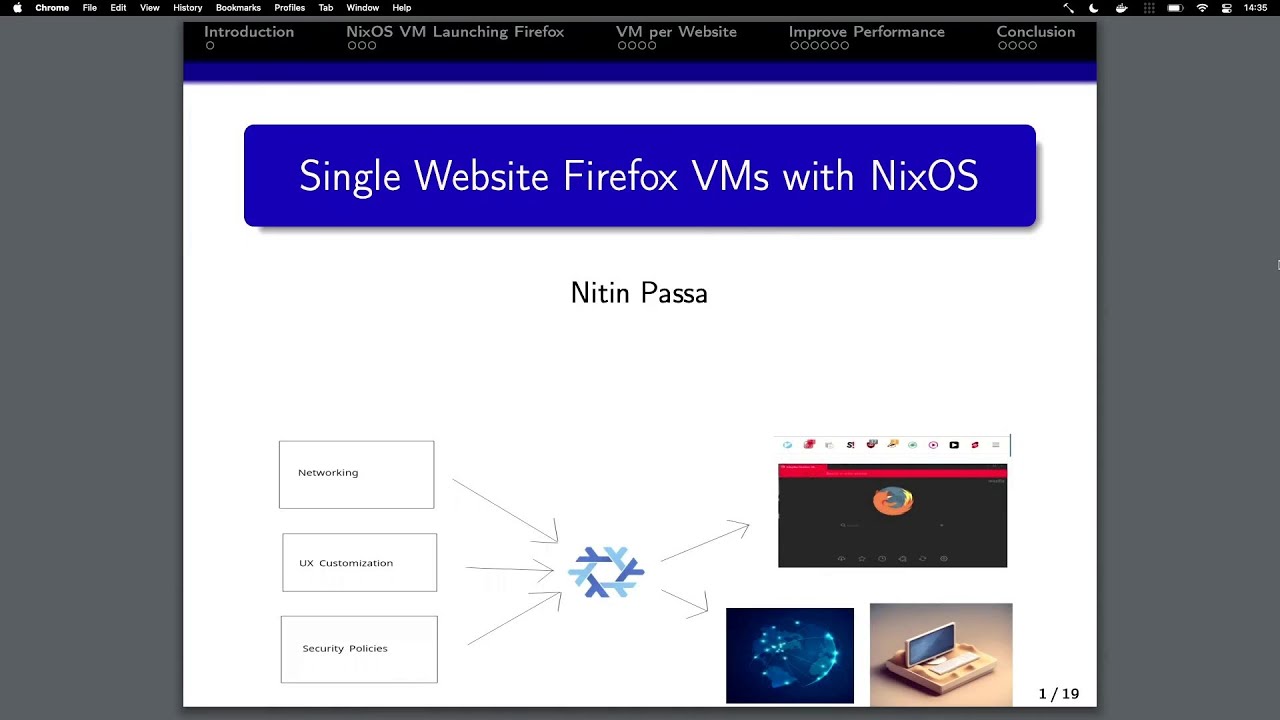
I’m still relatively new to NixOS but I saw a cool lightning talk from Nixcon 2023 about configuring single site Firefox VMs in NixOS
It did mention the capacity to declare addons and I’m wondering if scripting the settings might potentially work here
On a related note, I’ve noticed recently that Firefox has been changing things around a bit. I could have sworn that there was an in-house browser option to set up profiles but it went missing in Zen and Firefox a month or two ago. To get profiles to work, i had to run firefox/Zen at the command line with the -p flag to trigger the profile manager, set the profiles I want, and then bind profiles to keyboard shortcuts in Sway to open up the profile I wanted. Makes me wonder if they’ll get rid of profiles completely in the future, so it was good to see this video suggest another way to customize firefox in a more agnostic manner
Sorry, I forgot to mention that. I use ESR because that is so handy though! I have shortcuts to other search engines too. I wonder why it’s not supported in the normal releases.
I only have one issue with ESR and that is that it doesn’t register as the default Web Browser on XFCE4. I’ve never managed to sort that.
The technical approaches are different. Home Manager writes to the user’s profile, but the NixOS module writes to a system-wide (well, that’s upstream’s intent; of course on NixOS this is just another path in the Nix store) policy file. Only the ESR releases permit the latter.
It changed again! policy-templates | Policy Templates for Firefox. You can now configure search engines on Firefox 139 and above! It’s only beta as of now but you can already use it in firefox-beta-bin, firefox-devedition, firefox-devedition-bin, firefox-beta-bin-unwrapped and firefox-devedition-bin-unwrapped. NixOS Search
Just thought I’d add if anyone else is googling for this: if you have ExtensionSettings."*".installation_mode = "blocked", go to the firefox addon store and try to add an extension; it should pop up with the ID you need .
Can’t copy-paste it but it might still be easier than about:support.