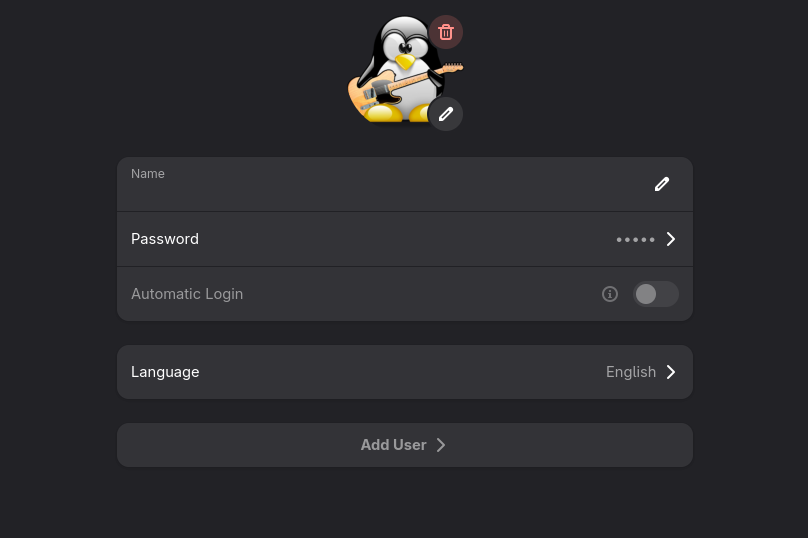
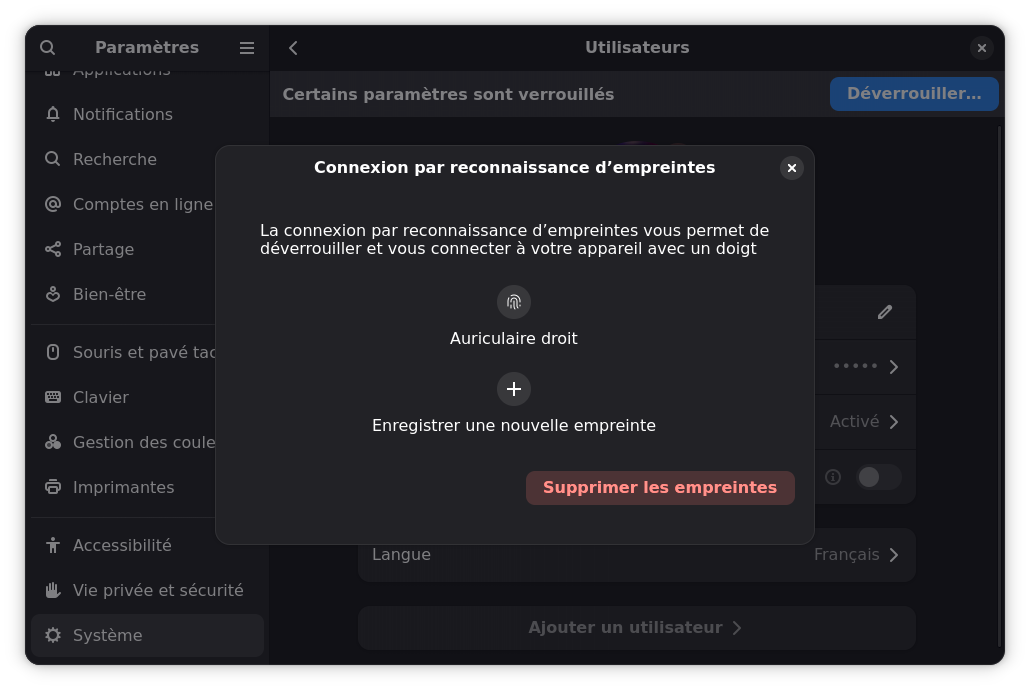
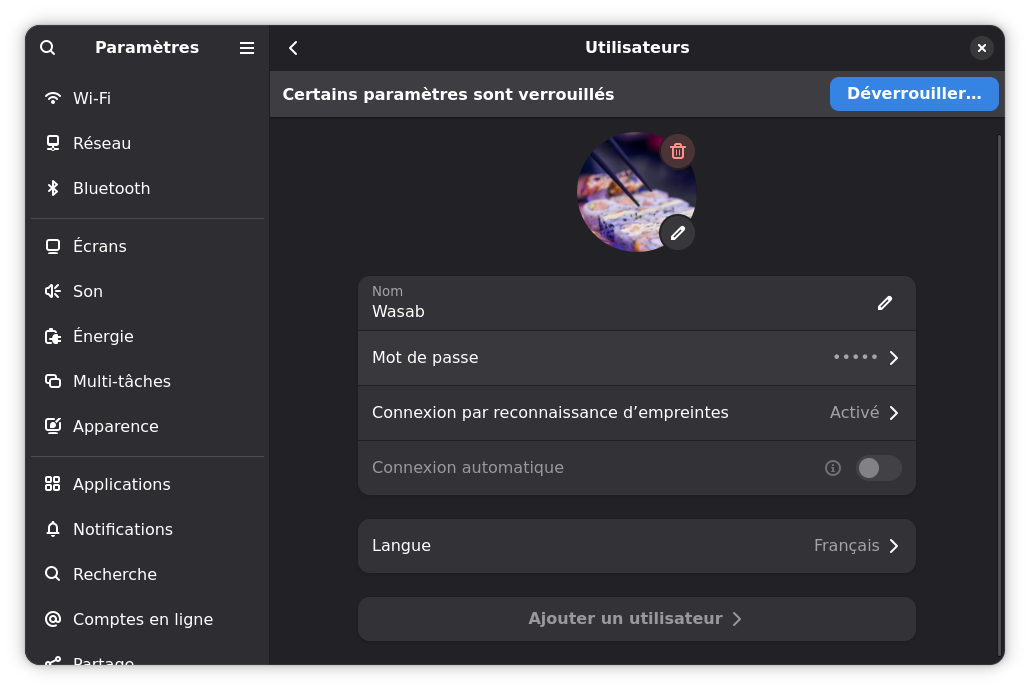
I’ve recently got a Dell Vostro 15 7510 and set it up with NixOS. It has a fingerprint reader which is working fine, except for one thing. I don’t have any options to manage it in Gnome. I can only enroll fingerprints with fprintd-enroll. This isn’t a huge issue, but I feel like I’m missing some functionality with other software. For, example, whenever I try to enable fingerprint authentication in Bitwarden, it simply doesn’t work.
I have the following enabled in my configuration.nix
  services.fprintd.enable = true;
  services.fprintd.tod.enable = true;
  services.fprintd.tod.driver = pkgs.libfprint-2-tod1-goodix;
Any suggestions would be appreciated.
Hi,
I am facing the same issue on a SLG2, although my fingerprint isn’t supported by libfprint, someone recently forked it in order to add support for the whole Surface Laptop Go line, and I’ve successfully repackaged that custom version of libfprint to make it work on my machine.
I was wondering if it was an issue on my side (I’m new to packaging on Nixos), and I just stumbled upon your post here. I’ll keep you updated if I find any solution.
edit : according to this : Fingerprint Reader with Gnome - #8 by jbhardman we should be able to get it working by supplying a driver to TOD.
Something that is also mentioned in the Nixos Wiki.
Unfortunately, in my case it seems like I can’t directly try this with the libfprint fork I used, probably because of me having to disable some tests in the libfprint package in order to make it build successfully. I don’t know if I should repackage libfprint-2-tod1-elan while disabling these tests as well.
However, following the instructions may work for you.
Hi again,
Okay, I spent a lot more time than I should have, but I’ve got a solution.
I think you can forget about what I mentioned (using TOD to supply a driver) ; what worked for me was to add myself to the input group through users.users.wasab.extraGroups.
After simply logging out and logging in, the menu appears.
Hi @SpicyWasab ,
That’s a great find. I figured it would have to be something simple like this. I ended up deciding to use that laptop for something else, so it doesn’t have my NixOS install on it for me to test this. I have another machine on the way that may have a fingerprint reader on it. If it does, I’ll definitely try this and report back. Thank you for your help! I will definitely want to keep this in mind for the future.
Best Regards
1 Like
Hi again !
I’m noticing that I indeed wrote this message but forgot to send it since I was still trying to figure out the exact steps :
Okay, so after trying to clean up my configuration and the things I blindly added, it wasn’t working anymore.
So here are exactly what made it work for me besides enabling fprintd.
- adding my user to the
input group through users.users.wasab.extraGroups
- adding the following line to the config :
services.desktopManager.gnome.sessionPath = [ pkgs.gdm ];
After logging out and logging back in it should work.
Best regards,
1 Like
Thank you so much! I got curious and put NixOS back on the laptop in question temporarily and tried fiddling with it again. I really didn’t want to leave this one hanging in case somebody else came along with the question.
You are spot on with your config. Along with adding services.fprintd.enable = true;, I added my user to the input group and added services.desktopManager.gnome.sessionPath = [ pkgs.gdm ]; to my config.
I did not need the other two services.fprintd.tod options, but depending on the fingerprint reader, I suppose that might be necessary for others.
Thank you again for your assistance. I was really glad to see those options pop up in my Gnome user settings.
Best Regards