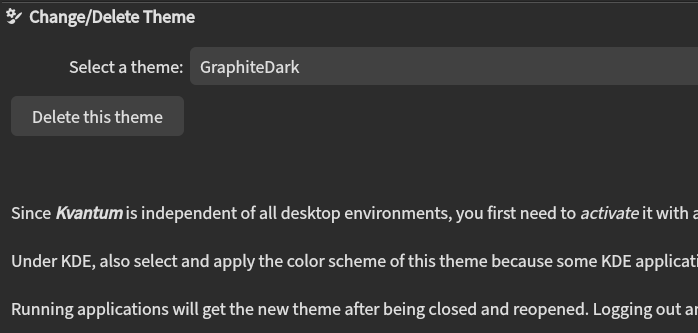
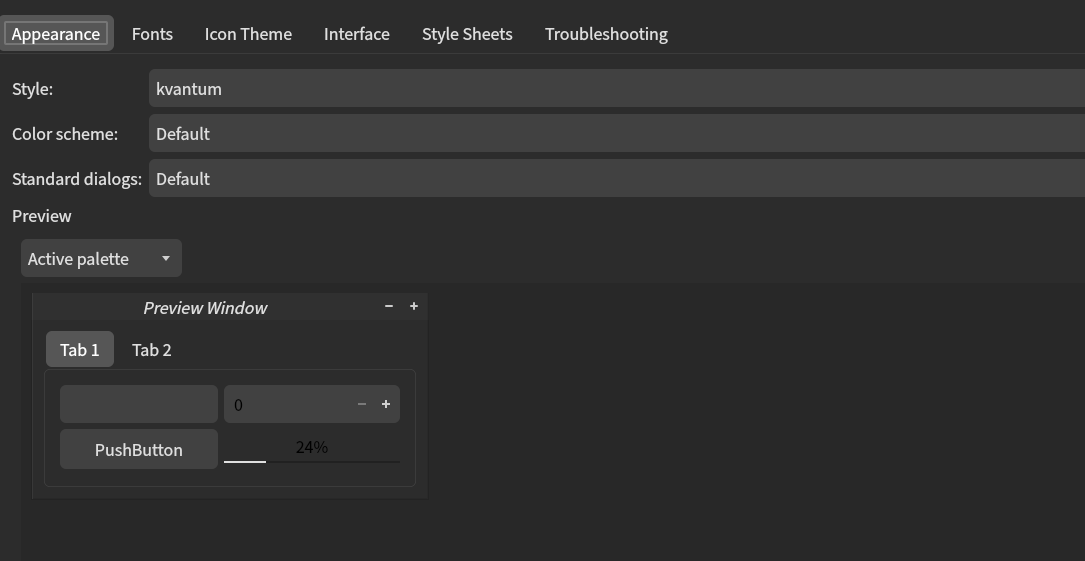
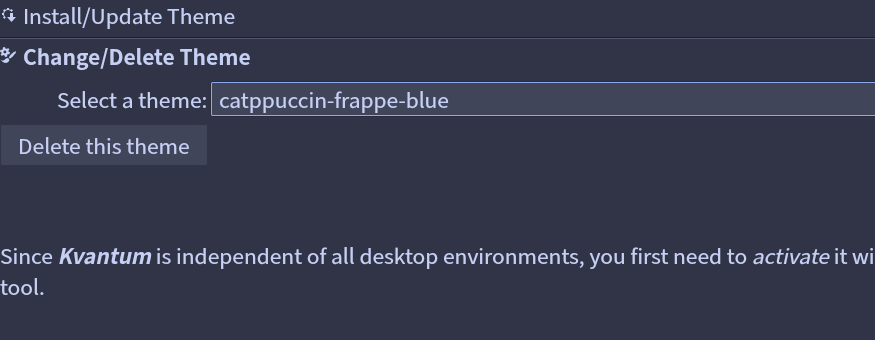
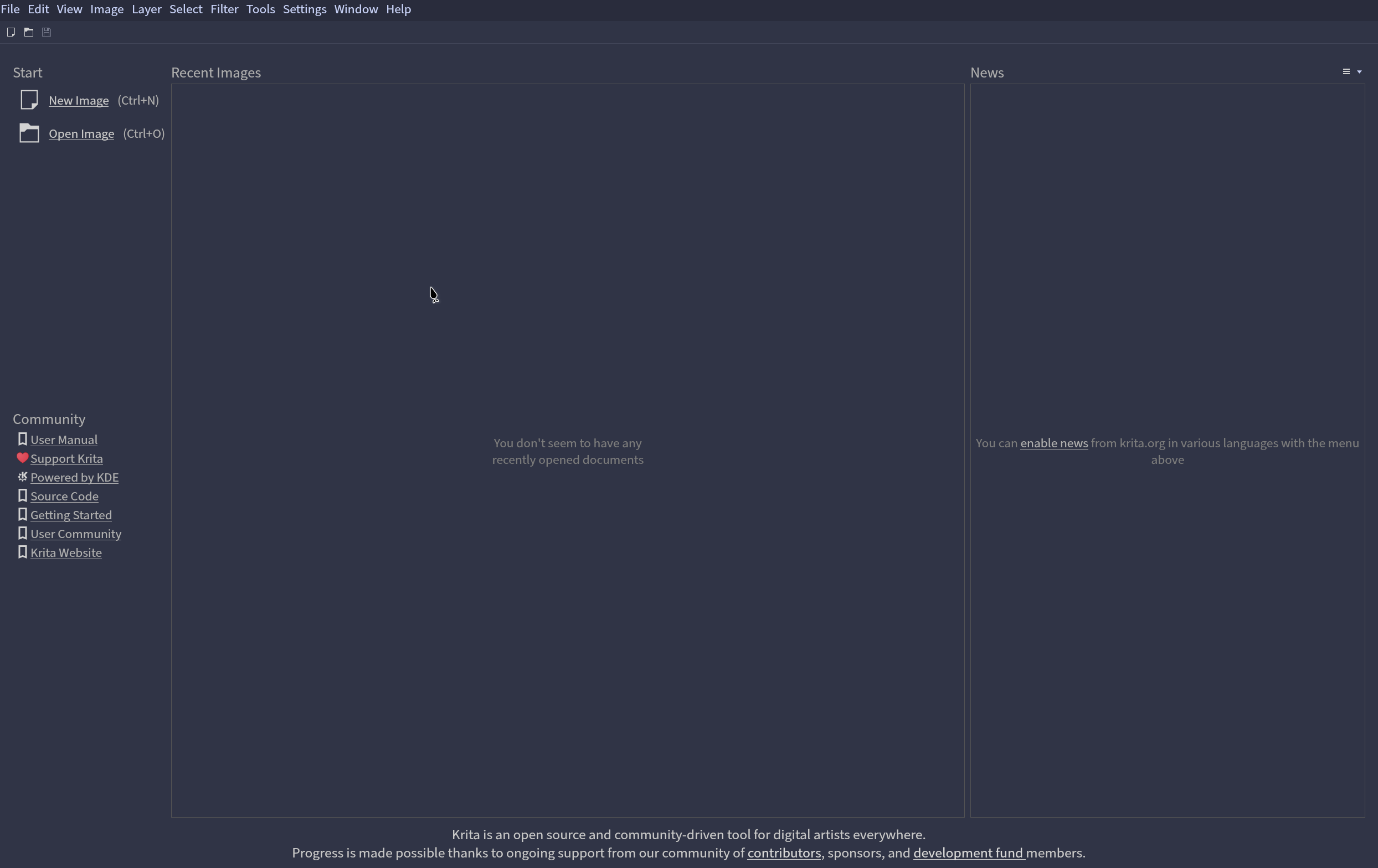
Back when I was on arch, all of the color schemes I had install on kvantum could be used by other apps like krita and qtct, but now that I’m on nixos, these color schemes just doesn’t show up in any of these apps. Which kinda sucks cuz I want to be able to use the catppuccin kvantum color scheme on krita and qtct but can’t
Here’s the config I currently use to set up my qt theme
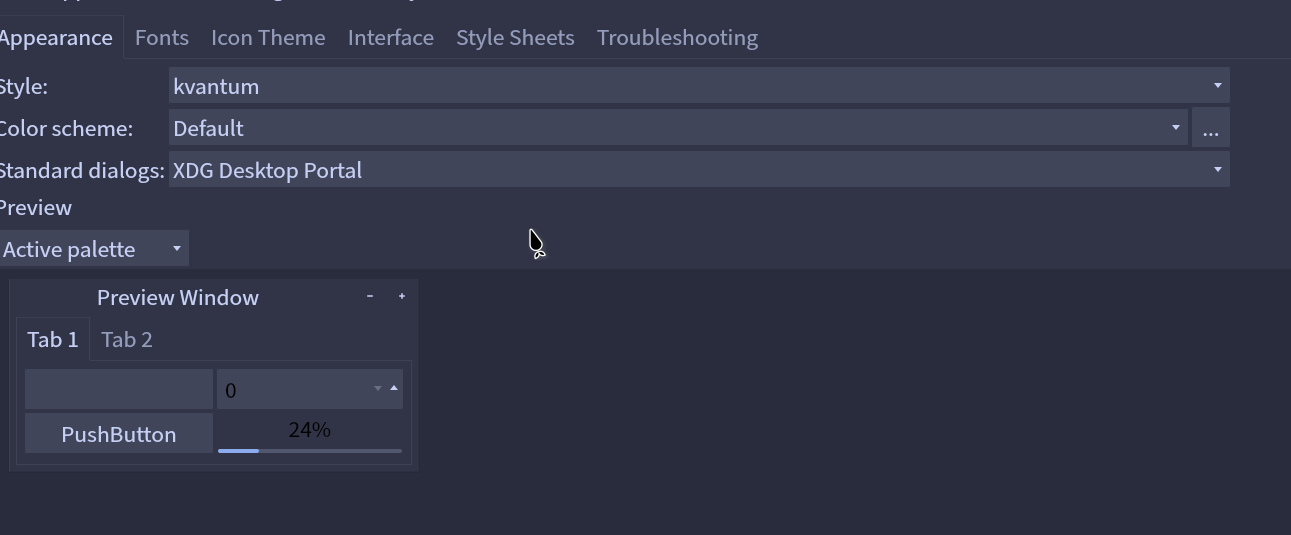
Not sure if you just mean you can’t apply it in krita and qtct or that you can’t apply it anywhere. Here is my setting, where I can apply the kvantum theme to every qt app except krita (I don’t know why) (using wayland).
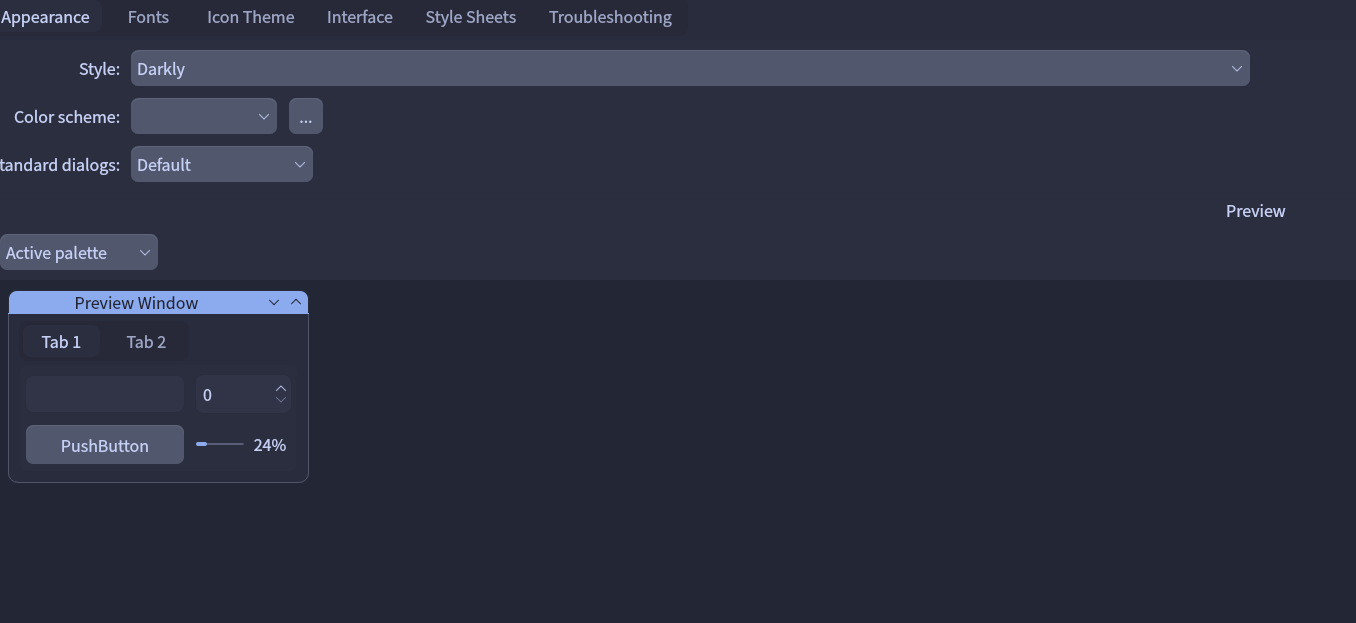
Ok maybe i didn’t explain correctly, basically what I want to do is set my qt style to be for example darkly and the color scheme to the kvantum catppuccin one, execpt that it doesn’t show up in the color scheme dropdown menu, even tho it used to be back when i was on arch
Same with krita where the catppuccin color scheme isn’t there
Hmm I think I don’t quite understand what you’re trying to do here. As far as I understand, you shouldn’t be able to use darkly as a qt style and catppuccin-kvantum as a color scheme at the same time? They both edit the button style, color-schemes, etc…
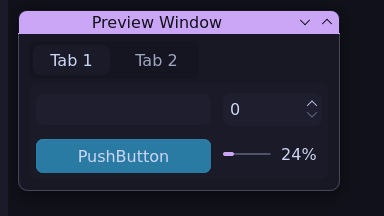
Anyways here’s me using catppuccin kvantum as a kvantum style in qtct and krita
I’m pretty sure this is possible since i’ve done it before on arch, but idk why it doesn’t work here, all installed kvantum color schemes should be showing up in the dropdown menu that’s odd
Sorry for the mistakes I made above. I did not understand enough about qt theming and so confused colors, styles, and kvantum.
Ends up Kvantum is not needed here, just need the color scheme in catppuccin, which is packaged separately in nixos. You probably thought it was kvantum since if you’re installing it in another distro the install script places all of the files in the necessary places, not just kvantum.
Or link the colors you want into ``~/.config/qt5ct/colors`` and qt6ct folder and choose them imperatively without setting it using nix, probably more convienient this way.
For krita, if you just want the color then the OVERRIDE variable is not needed. Following the repo’s instructions
For Krita:
Download the colour-scheme zip file for your preferred flavour from the release tab.
Extract the file and move the theme(s) you wish to install into the following folders for your platform: Windows: %appdata%\krita\color-schemes
Linux: ~/.local/share/krita/color-schemes
Open Krita, and you can choose the theme from Settings > Themes.
Get your color and place them there, then you can choose
Sadly there does not seem to be a package, nor an option for krita color schemes, probably for the best. So just imperatively throw it in there, or package the color schemes and use file linking if you really want to do this declaratively