Hi there,
I’ve installed 1password using the NixOS option:
programs._1password-gui.enable = true;
This results in a desktop file being created in /run/current-system/sw/share/applications/1password.desktop. The 1password entry also gets picked up by Rofis drun mode, so it seems to be available in the session.
The desktop file contains a scheme-handler line for onepassword:// urls:
[...]
MimeType=x-scheme-handler/onepassword;
When I try to open a 1pass link using xdg-open like this
$ xdg-open onepassword://some-url
I get the following message:
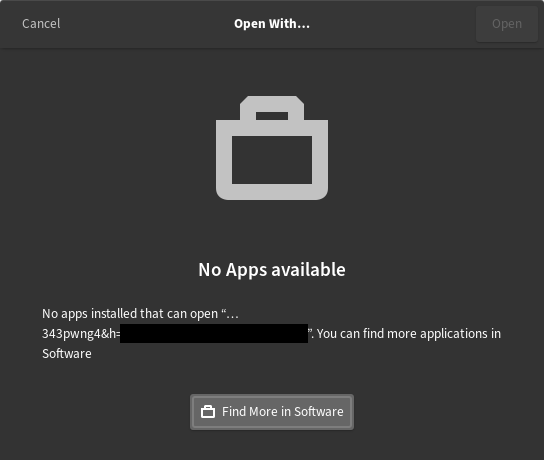
I use the following option to force xdg-open to use portals:
xdg.portal.xdgOpenUsePortal = true;
I also tried to add the following to my ~/.config/mimeapps.list:
[Default Applications]
x-scheme-handler/onepassword=1password.desktop
[...]
But that didn’t change anything.
What am I missing?