I just started learning Home Manager and here is my home.nix
I’m on i3wm and struggling to get my dark theme sticking for QT applications.
{ config, pkgs, lib, ... }:
{
  home.username = "caret";
  home.homeDirectory = "/home/caret";
  home.stateVersion = "24.11";

  # GTK theme configuration
  gtk = {
    enable = true;
    theme = {
      name = lib.mkForce "Materia-dark-compact";
      package = lib.mkForce pkgs.materia-theme;
    };
  };

  # Configure Qt to use kvantum theming
  qt = {
    enable = true;
    platformTheme.name = "kvantum";
    style = {
      name = "kvantum";
    };
  };

  # Install packages for better Qt support and kvantum themes
  home.packages = with pkgs; [
    libsForQt5.qtstyleplugin-kvantum
    qt6Packages.qtstyleplugin-kvantum
    materia-theme
    materia-kde-theme  # This provides Kvantum theme files for Materia
  ];

  # Environment variables for kvantum theming
  home.sessionVariables = {
    QT_QPA_PLATFORMTHEME = "kvantum";
    QT_STYLE_OVERRIDE = "kvantum";
    GTK_THEME = "Materia-dark-compact";
  };

  programs.home-manager.enable = true;
}
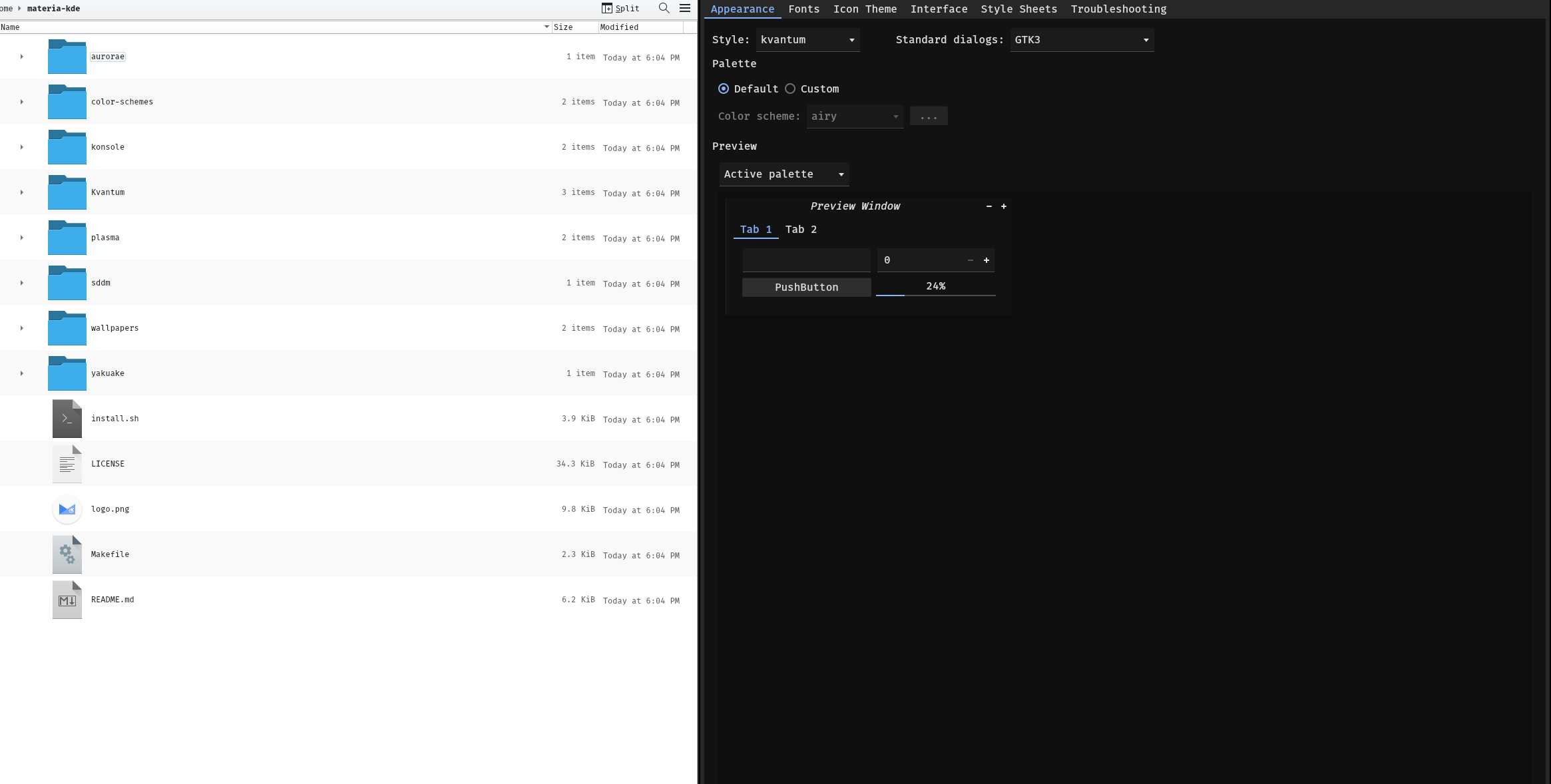
I installed the theme to kvantum by git cloning it and it looks correct.
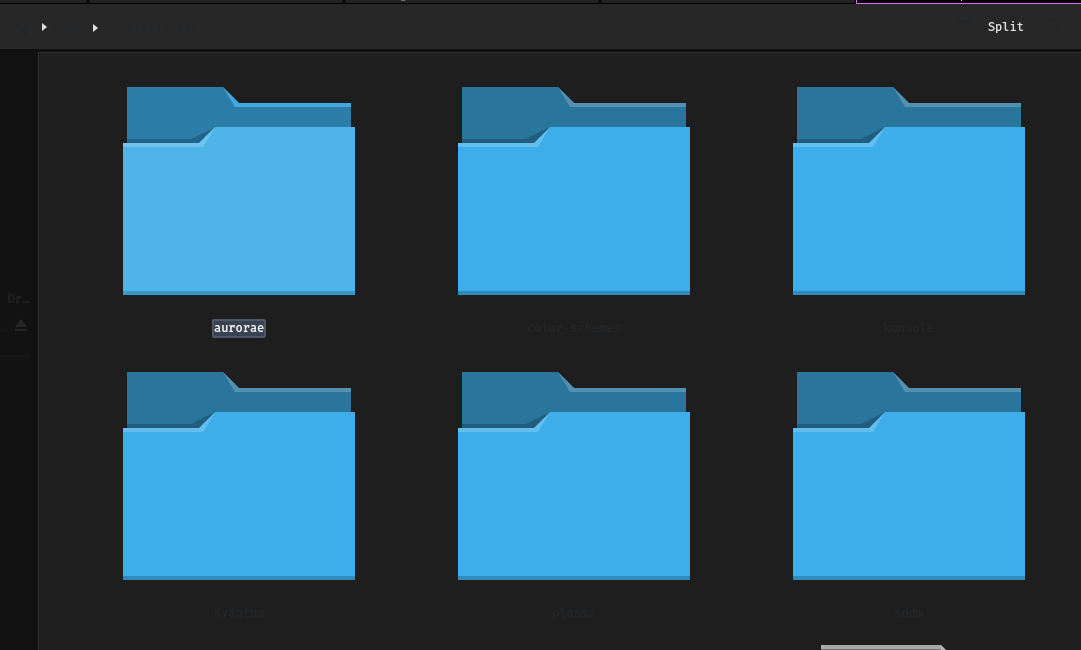
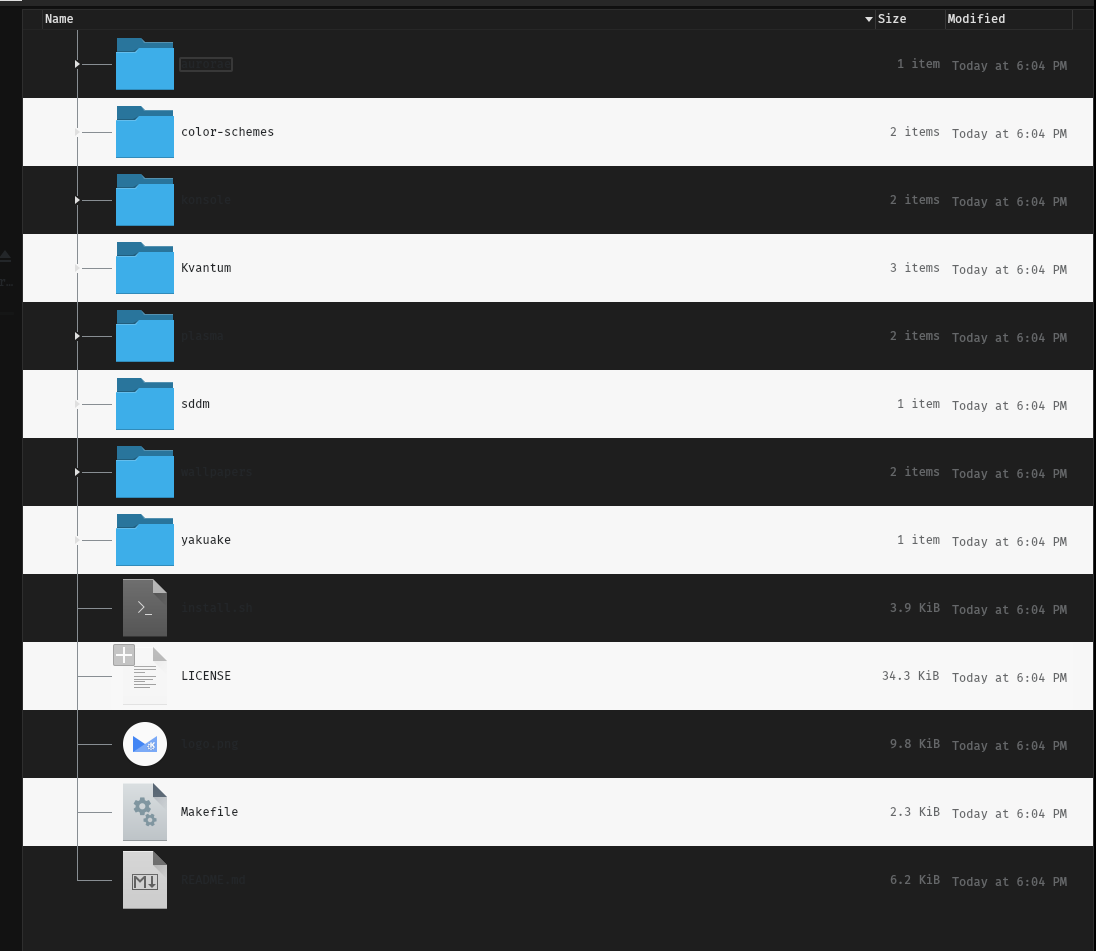
Only, now, when i open it, the text looks dark still. I can’t read it.
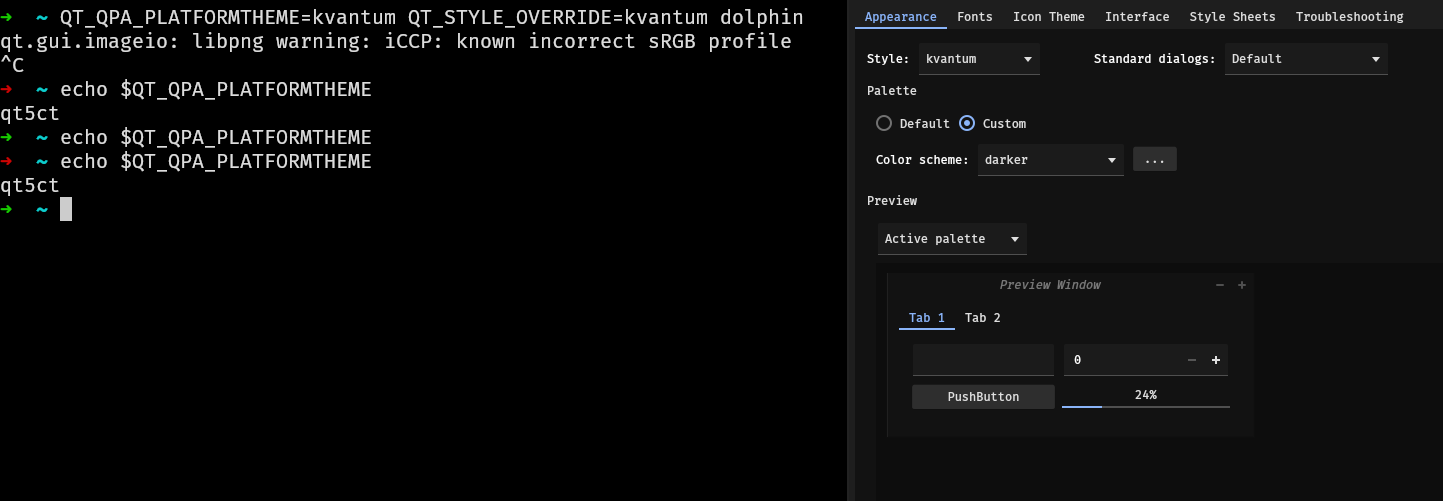
I need to launch it this way because I still need to set my env variable, but I feel like I’m so close. I’ve been trying to get this dark theme working for the past 3 hours and nothing seems to stick.
QT_QPA_PLATFORMTHEME=kvantum QT_STYLE_OVERRIDE=kvantum dolphin