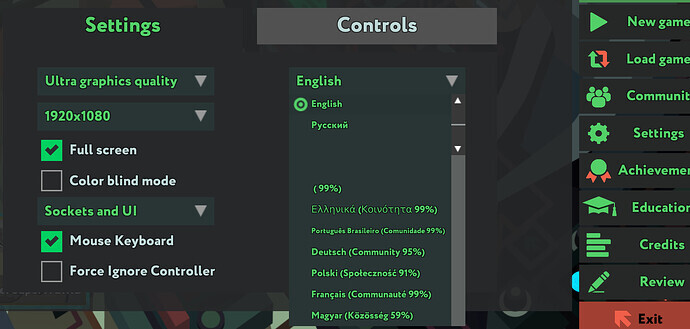
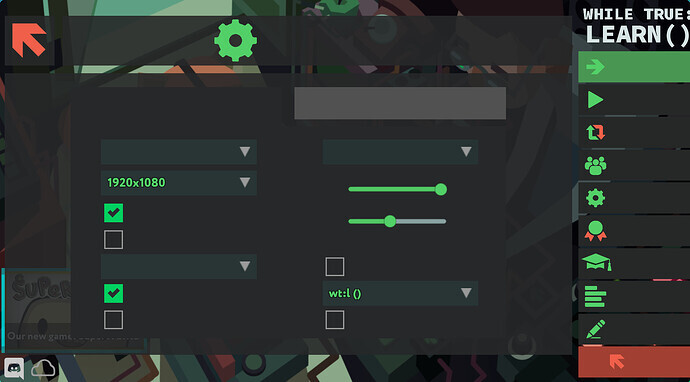
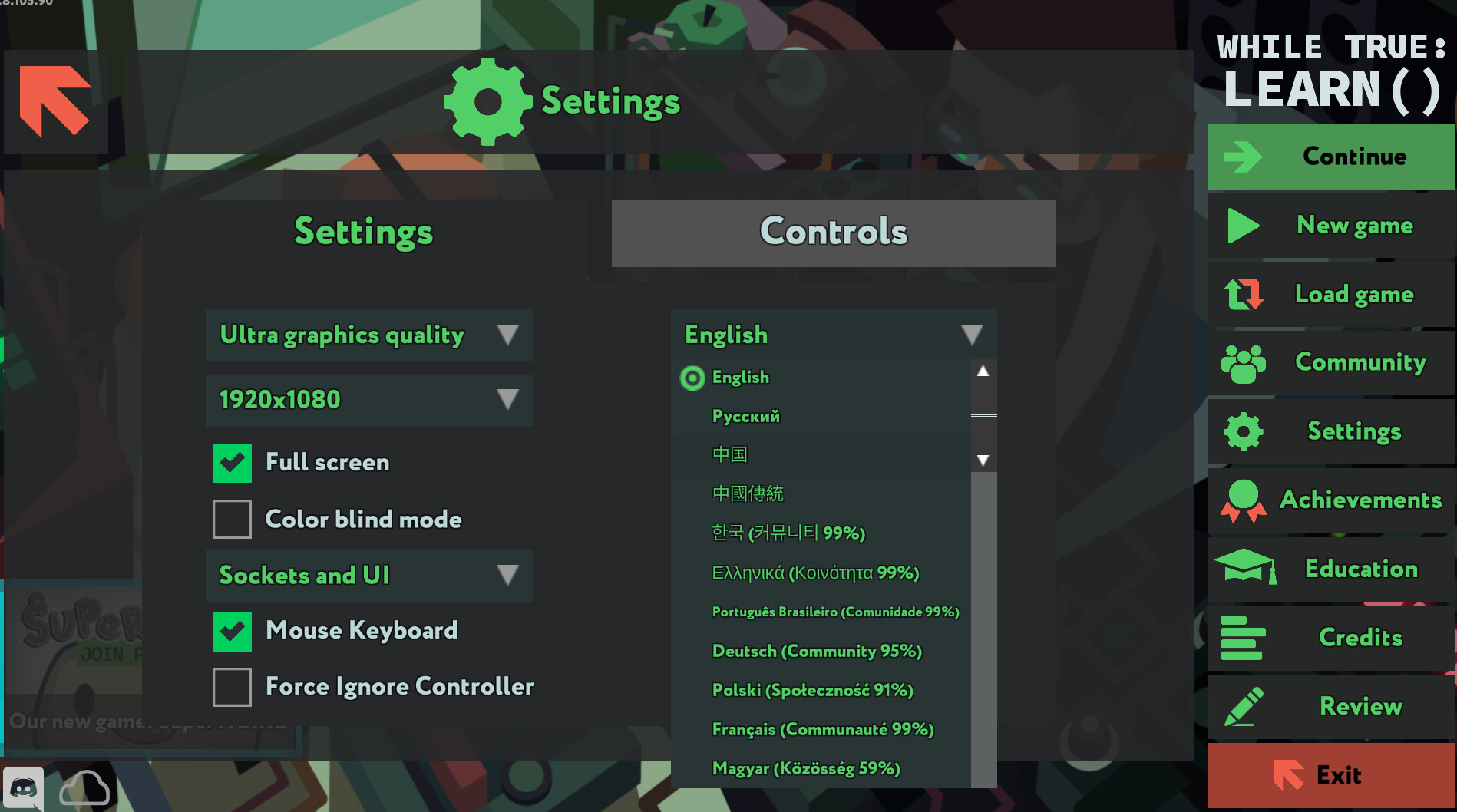
I searched many web pages, including but not limited to this one. Most focused on the Chinese language display in the Steam client. My client works fine, but the Chinese characters are missing in the games.
For example, in this game, I guess the two characters in the middle are Simplified Chinese and Traditional Chinese respectively.
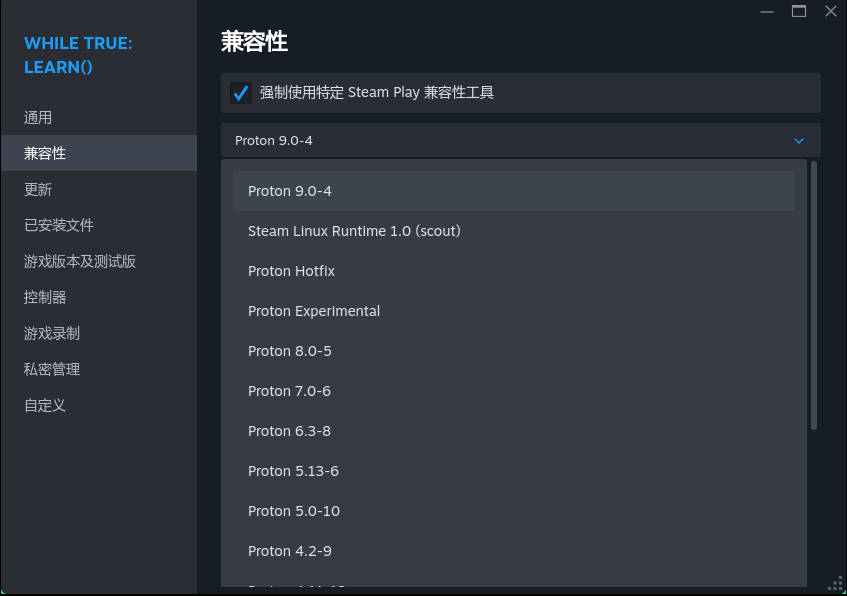
This is likely a Proton version issue. I’m not entirely sure of the specifics, but it’s probably due to incompatibility between the font lookup mechanism in older Proton environments and NIX management. You can try switching the Proton version to the latest experimental version in the game’s management page. That’s how I solved the problem of Chinese character display in my game.
Therefore, I tested both proton experimental and proton 9.0-4 versions, and both displayed the font content correctly. Many thanks to Ardenet and proton
In other words, this issue has been bypassed. Why do I say bypassed? Because this game supports native Linux. I was previously using Steam Linux Runtime 1.0, meaning I ran it directly without using any compatibility tools. I’m curious why a native Linux game would lack fonts.
My previous answer seems to have been problematic. Your comment reminds me that the compatibility option for the game I used to play was Steam Linux Runtime 1.0. I confused Steam Linux Runtime with Proton, thinking they were the same thing. In my case, after a system update, launching the game using Steam Linux Runtime 1.0 would cause the process to freeze, so I switched to Proton and accidentally discovered that the font issue was resolved.
The game I was playing is Patrick’s Parabox, which seems to natively support Linux.
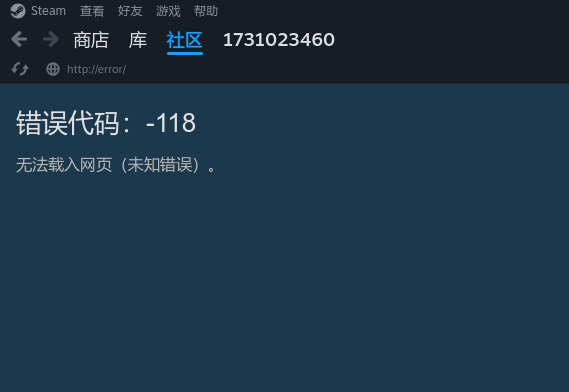
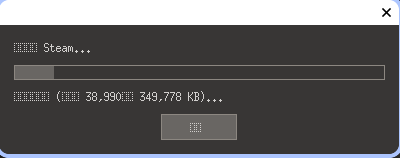
Actually, I have another issue related to font rendering. The fonts cannot be displayed properly in the Steam update window. It’s very likely that this issue is caused by the conflict between the sandbox and the font discovering mechanism. However, I’m unable to pinpoint the reason of this problem, and I haven’t found any publicly available information that mentions this issue.
I tried it; I added a lot of font content from pkgs.font, but the actual screen didn’t change.
This is a good solution, but there are some issues I can’t understand. I have no idea what font package is missing. For the game content font itself, it seems there’s no other solution besides contacting the developers (which is impractical), and I also don’t know what’s missing for the Steam interface font.
It’s not that I can’t find out, but rather that I don’t know where to find out.