Failed to insert module hv_ballon device or resource busy
Failed to insert module hv_vmbus device or resource busy
Failed to insert module hv_netvsc device or resource busy
Failed to insert module hv_storvsc device or resource busy
In white: Failed to insert module hv_utils no such device
Systemd-modules-load.service: main process exited, status=1/failure
In yellow: systemd-modules-load.service:failed with result exit-code
In red : Failed to start load kernel modules
To add more info i have a acer aspire 5 with gpu nvidia 2050 rtx and a intel i5 cpu and 16 ram i encountered this errors using 26.05 ltc gnome version and in the same option i tried using nomodeset and same thing happens. Someone can give me some clues? It’s my first time installing linux and im doing dual boot i used rufus and i got a separate drive unalocated to set the os and also i disabled in bios secure boot and fast start by default uefi mode is set and i didn’t touched that option. Since the kernel module fails the other processes quit like the graphical part of the installation and if i try to do ctrl-d to keep the installation it gets stuck in initrd.target and that’s it. Sorry for long text
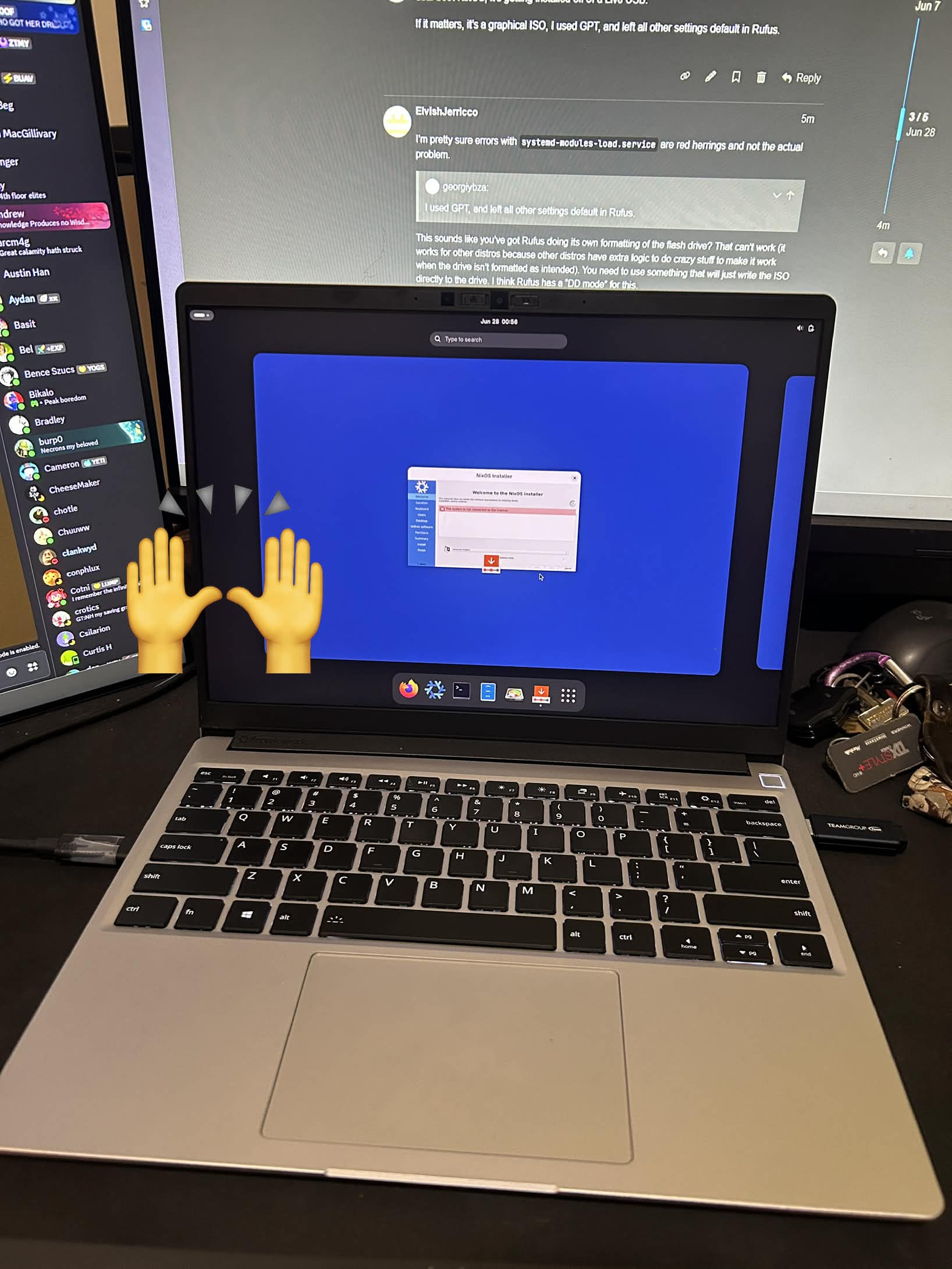
I’m having the exact same issue as OP, but on a FW Laptop 13. For me, there is no configuration.nix created yet, trying to cat several locations at ~/.config/nix/nix.conf, ~/.config/nixpkgs/config.nix, all yielded nothing. Not sure where to go from here, for context I am trying to dual-boot NixOS, it’s getting installed off of a Live USB.
If it matters, it’s a graphical ISO, I used GPT, and left all other settings default in Rufus.
I’m pretty sure errors with systemd-modules-load.service are red herrings and not the actual problem.
This sounds like you’ve got Rufus doing its own formatting of the flash drive? That can’t work (it works for other distros because other distros have extra logic to do crazy stuff to make it work when the drive isn’t formatted as intended). You need to use something that will just write the ISO directly to the drive. I think Rufus has a “DD mode” for this.
Again, I think the module error is a red herring and not related to the actual problem. Did you use rufus in dd mode? If not, was there any other information?
Ventoy is the least reliable option I’m aware of. The fact that Ventoy tries to insert itself into the distro’s file system at runtime to work at all makes it likely to fail randomly depending on which build of the ISO you use because of the order of hashes in the store.
Like I said, in NixOS the failure is random and dependent on the content of the ISO. It seems to work for most ISO builds, but definitely not for all ISO builds. Other distros are more consistent because they don’t have the FS randomization that store hashes imply; but even other distros don’t make the promises that Ventoy depends on (namely that it can just find a rules.d directory to put rules files into, and that the OS supports the things those udev rules try to do). No distro is making that kind of stability guarantee about their ISOs’ initramfses, so it’s a fortunate happenstance that Ventoy continues to work with them. My criticism is never that Ventoy does not happen to work; it’s that the reason it works is a bad one, and that ends up being exactly the reason it’s unreliable with NixOS.