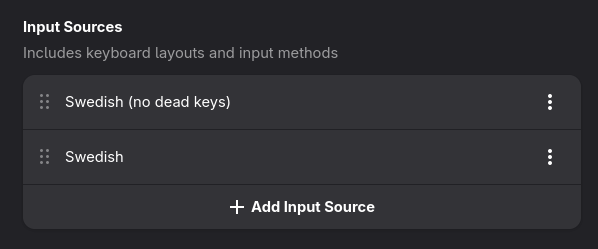
Uhm, it’s not the first time some XKB layout is broken or doesn’t appear in GNOME, and only GNOME. I’m not sure what’s going on here specifically, but I’m inclined to blame GNOME and not a configuration problem in X.org or Nixpkgs.
Note: This release makes GTK rely on the Wayland text protocol
for input method support. For compositors without that protocol,
you can manually set GTK_IM_MODULE=simple to get back support for
X11-style compose sequences and dead keys.
I guess this envvar is the other option, but I’m not sure about the follow-on effects.
I upgraded to 25.11 yesterday, same problem here with us+intl keyboard. No accents possible with deadkeys. If I type the key + space, just a space shows. This is in all gnome applications, including GDM, but the other applications are fine.
The environment variable seems to work, I tried to invoke gnome-calculator with and without it set:
GTK_IM_MODULE=simple gnome-calculator
If set as explained the dead keys are back again, however this is annoying in the login screen with GDM, do you know a way to set this variable system wide in configuration.nix?
Best regard,
Pedro
ps.: note that the special characters can be triggered using right alt (AltGr) but no accent is possible