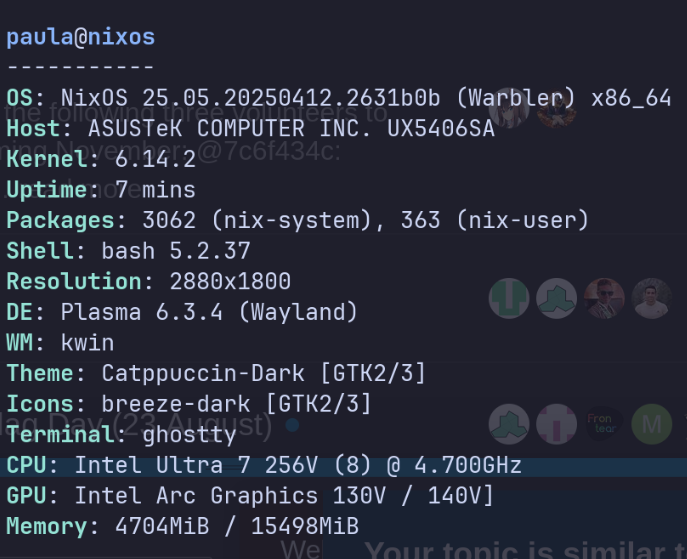
Hi there, i’m trying to install linux most recent kernel (6.16.6), and followed various steps, and everytime i cannot install this kernel, only updating until 6.14.2…
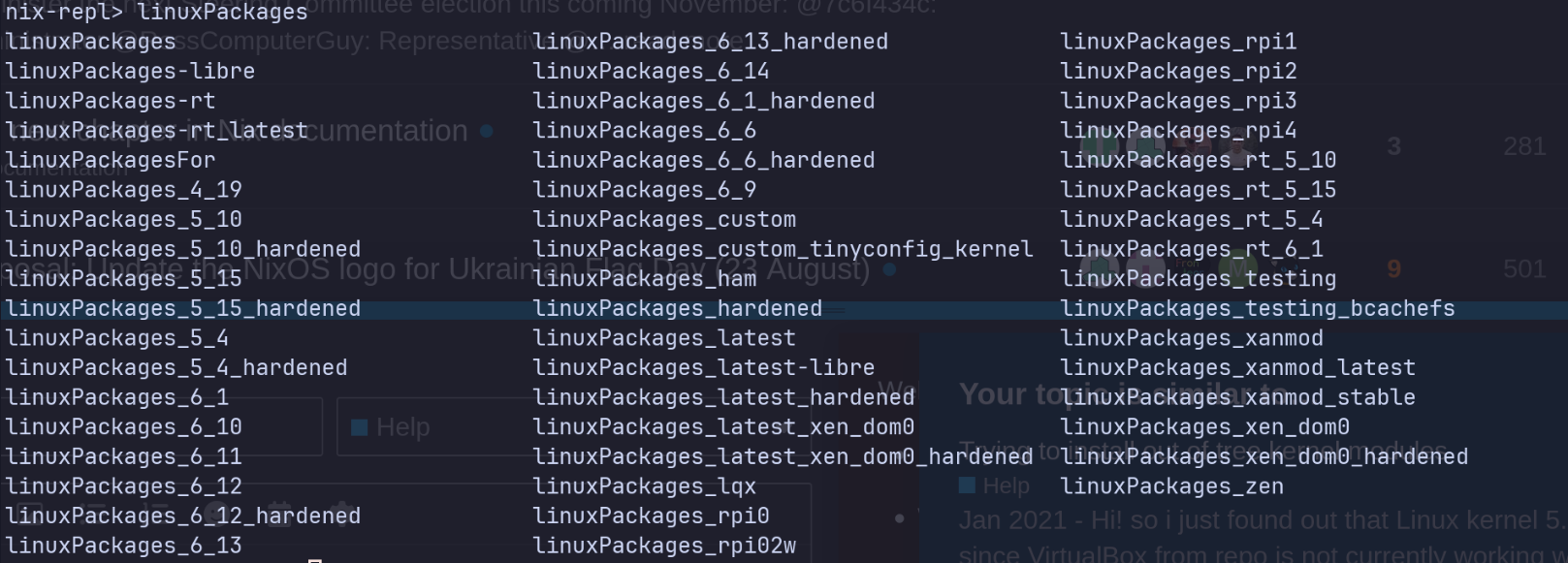
Hi there, there ain’t a argument for that, the arguments that my system links are in the 1st image, and IDK why, because isnt supposed to apear 6.16 there?
Hi there, thanks, maybe thats the problem. I think, i’m using both, but im not sure how to fix that, in flakes im using unstable and my system is using 25.05, how could i fix that?
Yep, that definitely is the problem. To actually update your system, you need to run nix flake updae in the directory with the flake.lock / flake.nix file before rebuilding. It will update the references in flake.lock, which you should commit. Without that you’re stuck at whatever is in flake.lock.
You are not using 25.05, just unstable (the OS string just gives you whatever unstable would become at the time), but you haven’t actually updated in 3 months; I guess you last updated before the 25.05 branch-off, when 24.11 was still stable. You probably should get to that.
Also maybe switch to 25.05, you clearly don’t need unstable if you didn’t even notice.
It is a lack of disk space, in your boot partition. NixOS creates a separate boot entry (which means a separate kernel + initrd) for every build.
If you don’t set your boot loader’s configurationLimit, this means that it will just keep creating more until your boot partition is full.
The kernel + initrd isn’t huge, but they’re in the order of tens of MB. With a 2GB boot partition you should be able to fit about 100 or so.
This means, either of these things happened:
You didn’t set configurationLimit and finally hit 100 generations
You reinstalled and the new NixOS doesn’t know to clean up the old installations’ generations
I must admit I don’t know off the top of my head how the nixos-rebuild script recognizes which kernel/initrd pairs are stale
You configured your initrd in such a way that it takes much more than tens of MB to store
You’re multi-booting and your other operating systems take up a lot of space
You’ll have to share your configuration and tell us what is in /boot (recursively) if you want full instructions on how to fix it. But in a nutshell, something in /boot needs to be deleted before you can create a new generation.
See also the headings on removing and limiting old generations here: Bootloader - NixOS Wiki