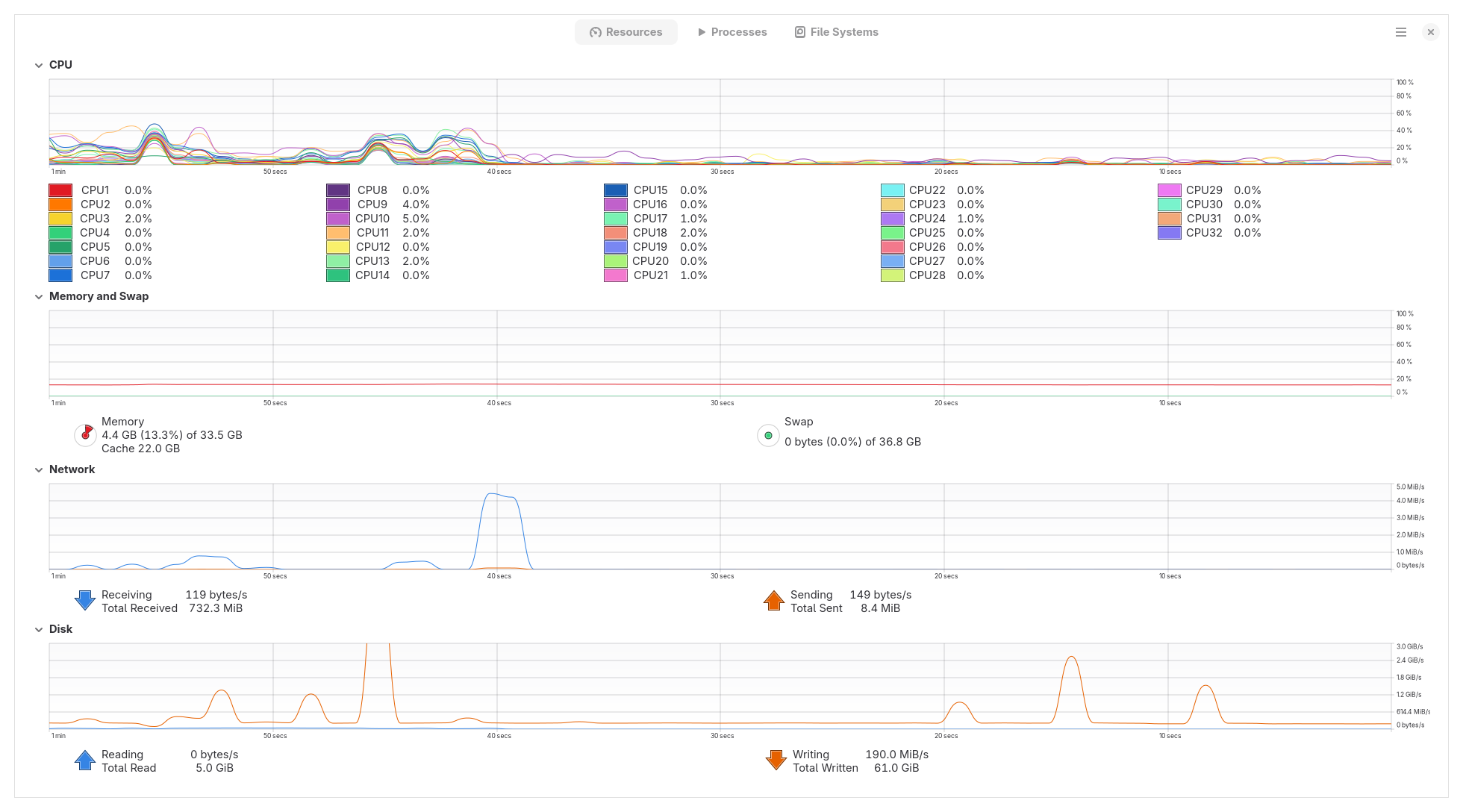
Install stuck at 46% still an issue?

How’s this Installation stuck at 49% still an issue? I’ve seen a few threads about it and it seems to be an issue since November 2022, it’s close to 3 years since and it’s still an issue, I would assume the community would dig into fixing this faster since it’s a big barrier of entry to the NixOS ecosystem.

I have successfully installed NixOS in my laptop but in my desktop PC it keeps getting stuck, CPU, RAM and Network flatlines (meaning no usage at all), sometimes instead of just the slides passing through, it literally freezes and I have to hard restart the PC, I tried to use the installer from Gnome, Plasma, with the LTS kernel and the more recent one, tried installing alongside windows, and tried to install on my second M2 drive, as well as another NVMe drive, even tried updating the bootable NixOS version before the install, no luck.

Many mention to just be patient, but I doubt that applies to me, my device has an I9, 32Gb RAM, RTX 4080, and I waited for 2 hours since the moment the only logs shown in the install app were the carousel slides swapping every so often.

At this point I’ve considered a manual CLI install (you know, the whole thing with partitions, generating the nix config files and all, mounting and running the rebuild commands), but I’m not tech savvy enough in NixOS nor partitions and such to try that under a time constraint.

For now what I did was install Ubuntu and use a flake to install the home manager config where most of my setup is stored, but I really wanted to install NixOS in my devise, I do think if NixOS wants to take off and soar high, it needs to lower the barrier of entry, or at the very least solve these small blockers.
I found a strange work around for this, when you start installing immediately switch to the console output of the installer. It seemed to work for me on multiple occasions.

3 posts were split to a new topic: Negativity around the graphical installer

Because it’s a symptom that can be caused by a wide range of issues.

In the thread you quote it was a lack of memory. It would be good if the installer provided better feedback when it runs out of memory. This has probably not been done yet, and it’s not super obvious how it should be done. I didn’t find a ticket for this yet, so I created graphical installer: fails on low-memory systems · Issue #431167 · NixOS/nixpkgs · GitHub.

Of course, having a ticket still doesn’t guarantee that anybody will sit down and do something about it. AFAICT the installer could use some more maintainers, and there seems to be some technical debt getting cleaned up (https://github.com/NixOS/nixpkgs/pull/430636).

That doesn’t sound like a memory issue indeed.

Do you mean the logs started showing the install procedure, but then at some point it stalled and you only saw caroussel logs? Could you share the logs, and the output of ‘ps faux’ when the system is ‘stalled’?

1 Like

Indeed the installer logs will show the regular output, reach 46%, show some nix store copy/build lines, and shortly after it stops showing anything but the carousel switch lines every few seconds.

I’ll try again in a bit to show what it looks like, as well as the resource usage.

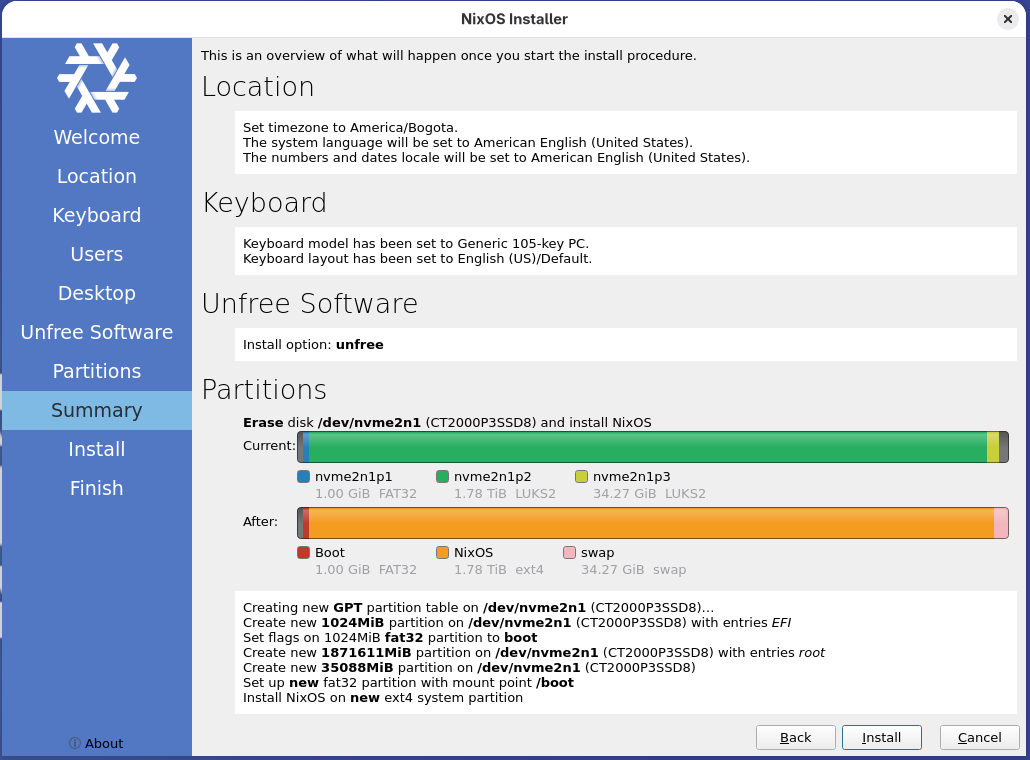
Here’s what I configured in the installer:

Here’s what I see when the installer stalls and only Next slide logs happen:


And the ps aux result:

Hmm, all those nixos-render-docs-wrapped processes look suspicious to me, I wonder if those are what’s stuck somehow. Not sure how to check, though…

Tried this, either I’m too slow, or it just doesn’t work, still thanks for the suggestion.

What ended up working is that I started a Manual CLI install which failed, then opened the GUI install with the erase disk option that actually went through this time, then I had to configure GRUB properly so I could see the other disks OS entries.