Since Nix 2.4’s release, I’ve always been fed up at how nix search has become so much slower than Nix 2.3’s search, and everyone kept telling me to use search.nixos.org! So I made a really fast nix search alternative called nix-search:
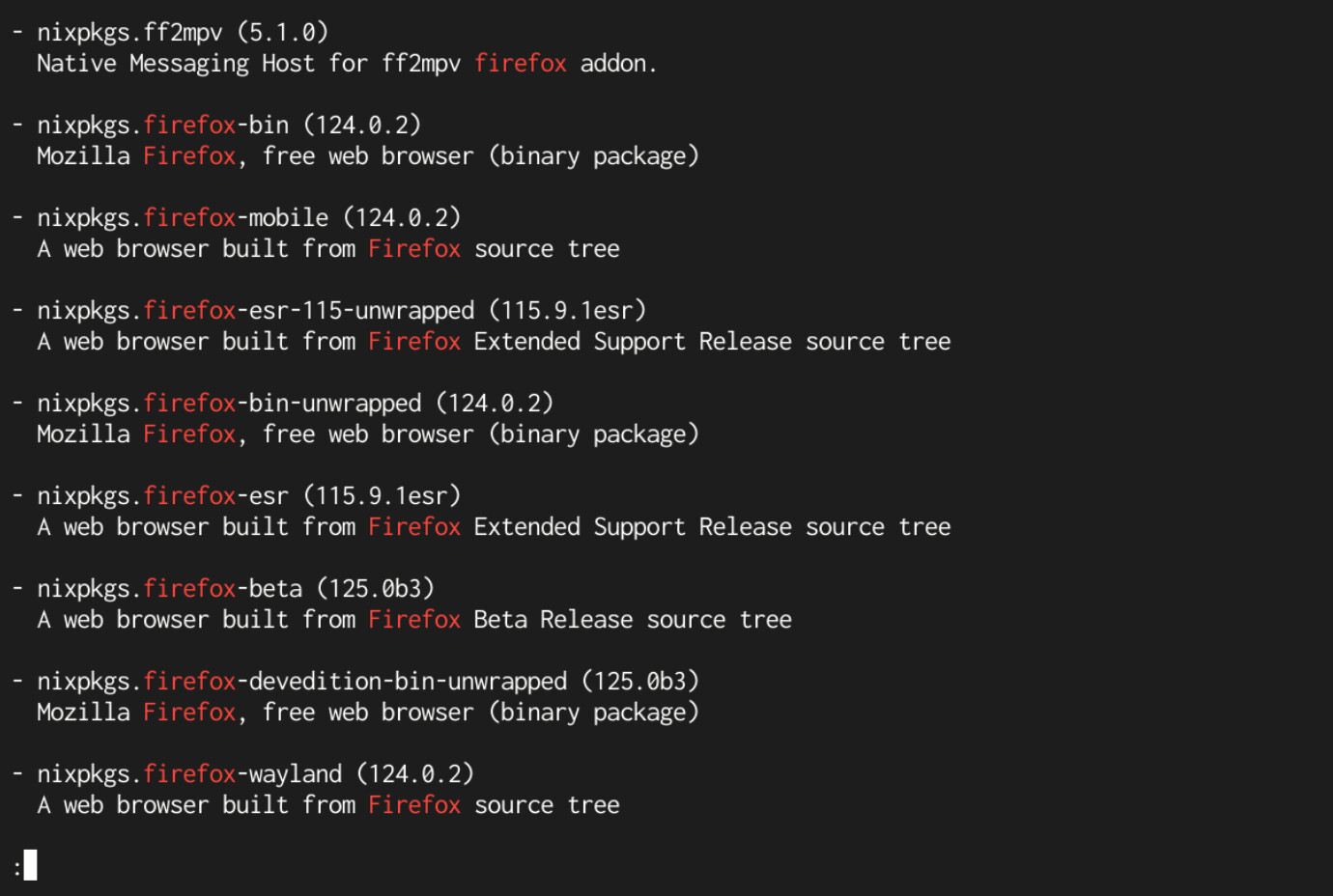

The goal of nix-search is to be as similar to Nix 2.3’s nix search as possible while also not taking a very long time to index and search. For example, on my computer, indexing takes ~20s while searching takes way less than 1s:
―❤―▶ time nix-search --index

real	0m21.760s
user	2m36.436s
sys 	0m30.729s

―❤―▶ time nix-search firefox > /dev/null

real	0m0.033s
user	0m0.028s
sys 	0m0.006s
nix-search supports both Nix flakes and channels, but it uses the <nixpkgs> channel by default. You may override this by doing --channel '<nixpkgs>' or --flake nixpkgs when indexing.
nix-search also adheres to $PAGER, so you can easily use your favorite pager. For example, to use nix-search with most:
nix-shell -p most
PAGER=most nix search firefox
Internally, nix-search is powered by an actual search database called Bluge, so performance is really good while the searching itself is very flexible. For example, you may run nix-search with --exact=false which turns off the exact match filtering:
―❤―▶ nix-search --exact=true python | head -n2  # default
- nixpkgs.pythonFull (2.7.18.8)
  A high-level dynamically-typed programming language

―❤―▶ nix-search --exact=false python | head -n2
- nixpkgs.pyp (1.2.0)
  Easily run Python at the shell
Installation
Installation (non-Flakes)
nix-search comes with a default.nix that has itself packaged. To install it, simply fetch it from GitHub and import it:
let
  nix-search = import (pkgs.fetchFromGitHub {
    owner = "diamondburned";
    repo = "nix-search";
    rev = "<REV>";
    sha256 = "<SHA256>";
  });
in

{
  environment.systemPackages = [ nix-search ];
}
Installation (Flakes)
nix-search comes with a flake.nix that contains itself in nix-search.packages.${system}.default:
git+file:///home/diamond/Scripts/nix-search?ref=refs/heads/main&rev=98c54882df337dc15387ac725543784a31f64935
└───packages
    ├───aarch64-darwin
    │   └───default omitted (use '--all-systems' to show)
    ├───aarch64-linux
    │   └───default omitted (use '--all-systems' to show)
    ├───x86_64-darwin
    │   └───default omitted (use '--all-systems' to show)
    └───x86_64-linux
        └───default: package 'nix-search-98c54882df337dc15387ac725543784a31f64935'
Installation (using Go)
Make sure that your $GOBIN is in your $PATH, then run:
go install libdb.so/nix-search/cmd/nix-search@latest
GitHub Repository: diamondburned/nix-search
 . But in any case, looks great, I’ll try it out and run it with